
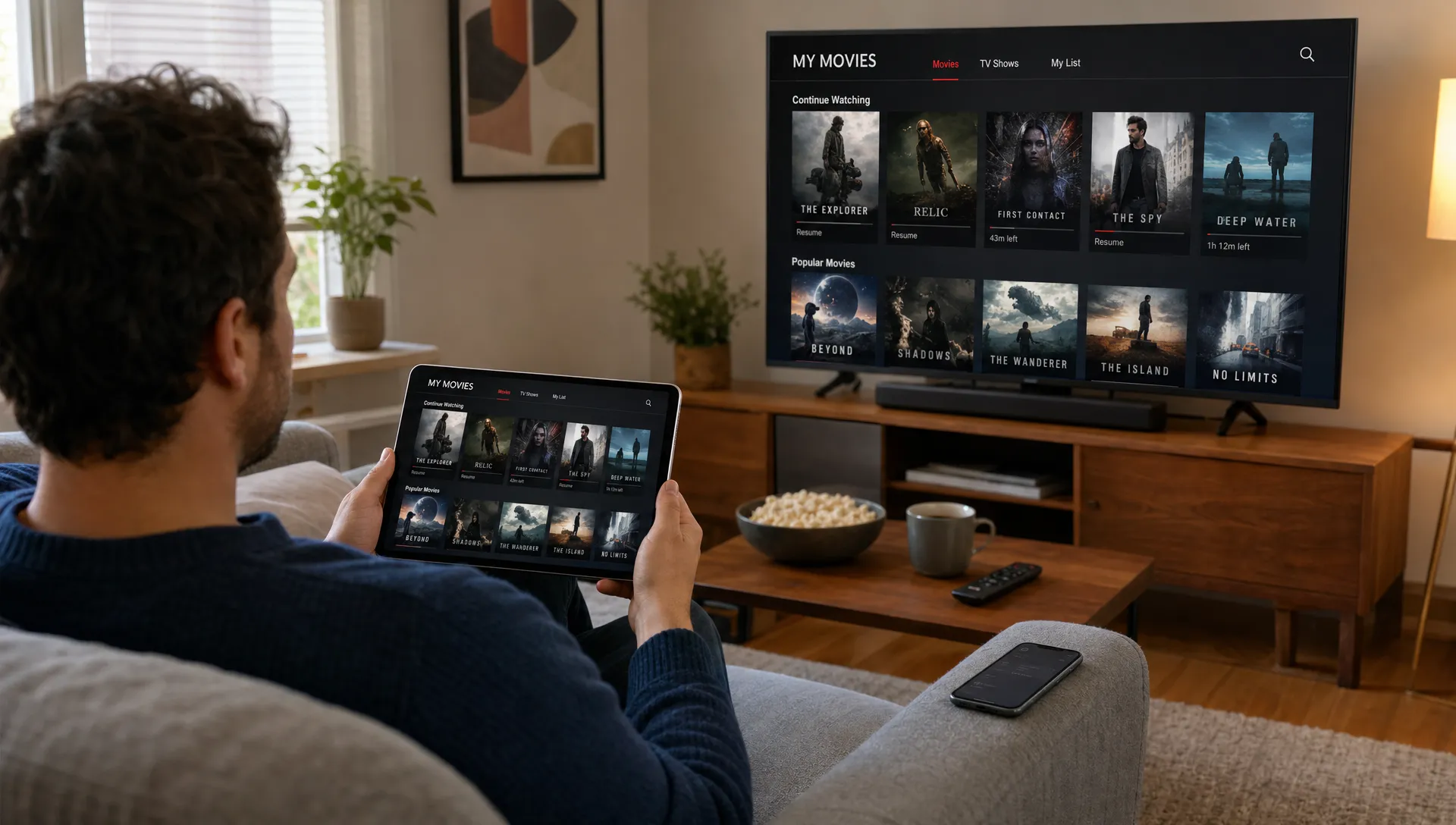
IPTV movies are easiest to enjoy when your catalog, apps and devices are set up with the same plan. Instead of opening a different app on every screen and hoping you can find the same title again, build a simple system for browsing, saving and playing movies across your Smart TV, Firestick, Android box, phone, tablet and computer.
Start with the right movie source and app
The first step is choosing a service and player that make movie browsing practical. A good IPTV setup should separate live TV, sports, series and video-on-demand so you are not scrolling through thousands of unrelated entries. If the app has search, categories, Favorites and recently watched sections, managing your movie library becomes much easier.
BuyIPTVfor4K offers subscriptions with live channels, movies and sports content in SD through 4K quality, plus broad device compatibility and setup support for UK and USA viewers. That matters because the same subscription may need to work differently on a living room TV, a travel tablet and a streaming stick in another room.
Before you build your watchlist, confirm three basics: your subscription details, your preferred app and the devices you actually use. If several people in your home stream at the same time, review how simultaneous connections work. The difference between installing an IPTV app on multiple devices and watching on multiple devices at once is worth understanding, especially if you are setting up a family home. This guide to IPTV on multiple devices explains that distinction in more detail.
What makes IPTV movies different from live channels?
Live channels work on a schedule. You tune in, check the EPG and watch what is currently airing. Video-on-demand works more like a library, where the title, category, language, resolution and subtitle options matter more than the time of day.
When you treat IPTV movies as a searchable catalog, you stop relying on random browsing and start using the tools inside your app. That shift saves time, especially with large libraries that may include new releases, classics, family titles, documentaries and international cinema.
The main limitation is that IPTV apps do not all manage VOD libraries the same way. Some apps remember your progress across devices if the provider and player support it. Others keep watch history only on the device you used. Assume nothing syncs automatically until you test it.
| Feature | Live channels | Movie VOD library |
|---|---|---|
| Best browsing tool | EPG and channel groups | Search, genre filters and Favorites |
| Time sensitivity | High, because programs air live | Low, because titles are selected on demand |
| Organization priority | Channel order and categories | Watchlist, title naming and device access |
| Common frustration | Missing guide data or wrong time zone | Duplicate titles, unclear quality labels or slow search |
Build a device map before organizing your library
A device map is a quick inventory of where you watch and what each screen is best for. Your Smart TV might be the main 4K movie screen. A Firestick might handle the bedroom. A phone may be for quick browsing or travel, while a tablet is useful for kids or casual viewing.
Use this map to decide where to install your main IPTV app, where to log in as a backup and where to keep lighter access. If your app allows Favorites, create them on the device where you browse most often. If your household shares one account, keep the Favorites list simple so it does not become a mix of every person’s half-watched films.
For homes, rentals, offices or event spaces that include physical AV equipment, organization also applies outside the app. If you move projectors, displays or media gear between locations, a logistics provider such as SHIPIT Logistics can handle the physical transportation side while your IPTV account, apps and device notes keep the digital side consistent.
How to find IPTV movies faster inside your app
Start with search, but do not depend on it alone. Title spelling, release year and language labels can vary, so browsing by category is often faster for large libraries. If a title has multiple versions, look for resolution labels such as SD, HD, FHD or 4K, then choose based on your device and internet speed.
A practical movie-finding workflow looks like this:
- Search the exact title first, then try a shorter title if nothing appears.
- Check genre folders when the title may be listed under an alternate name.
- Use Favorites for movies you plan to watch soon, not every title you might watch someday.
- Refresh the playlist or VOD catalog if your provider has recently updated content.
- Keep a short external watchlist in Notes, Google Keep or another simple app if your IPTV player does not sync across devices.
EPG tools are more useful for live channels than VOD, but they still help if you discover movies through premium movie channels or Catch-Up TV. If you often move between scheduled channels and on-demand titles, this guide to EPGs, Favorites and Catch-Up TV is a helpful companion.
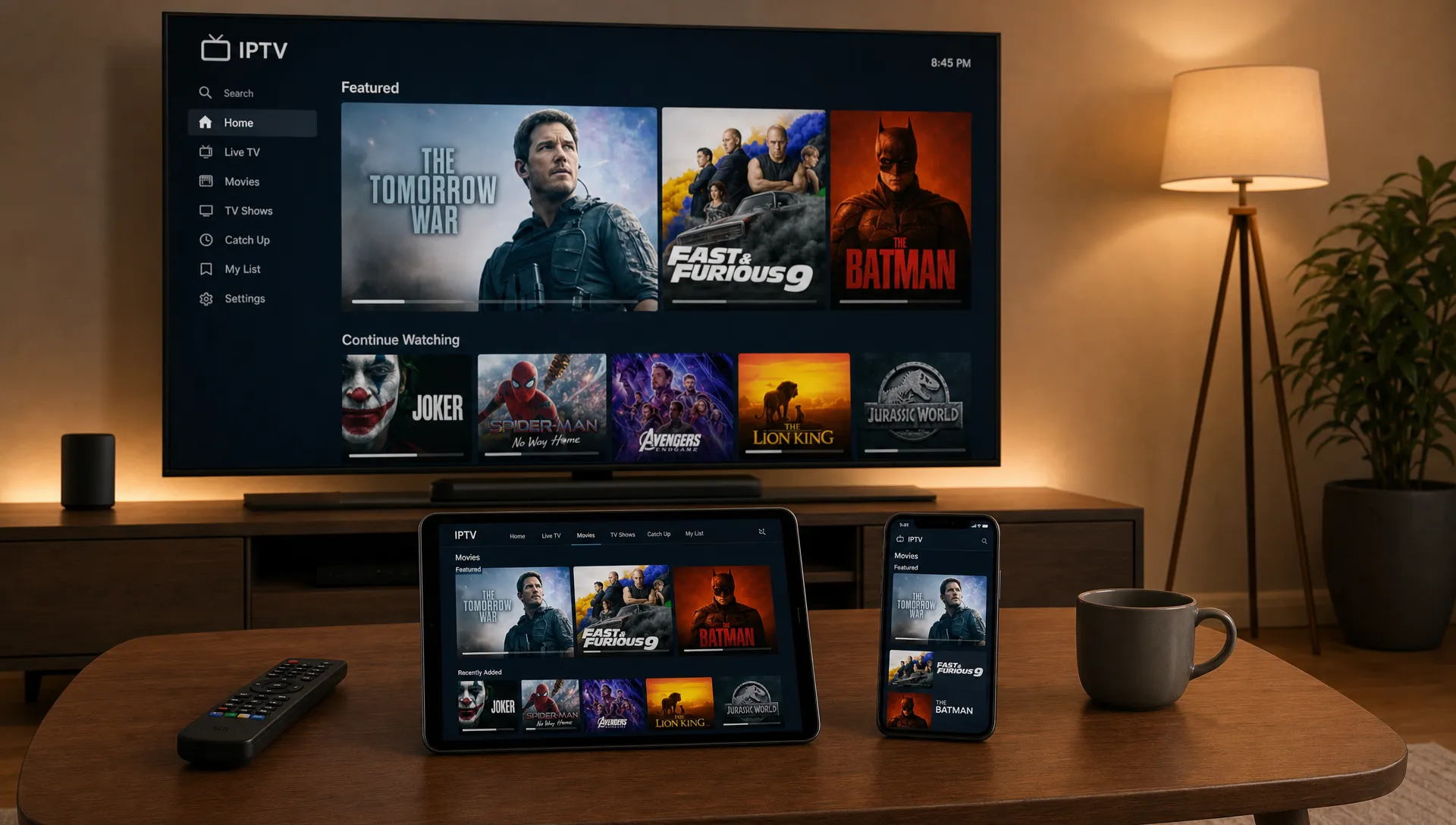
Keep movie lists clean across Smart TVs, Firestick and phones
On living room screens, IPTV movies should be organized for fast remote-control browsing. Long typing sessions are annoying on a TV, so Favorites and recently watched sections matter more there than on a phone. Set up the TV for comfort: fewer categories, reliable 4K playback and a clean list of titles you actually want to watch.
On Firestick or Android TV devices, performance depends on the app, available storage and network quality. Clear app cache when menus become sluggish, but avoid deleting app data unless you have your login details ready. If your app supports external players, test them carefully because subtitles, audio tracks and resume points may behave differently.
Phones and tablets are better for searching, checking new titles and building a quick watchlist. If your provider credentials work across devices, use the mobile app to find titles faster, then watch on the big screen. This is especially useful when the TV remote makes text entry slow.
Use Favorites without creating clutter
Favorites are powerful only when they stay selective. If you add every interesting title, the list becomes another oversized library. A better rule is to add movies you plan to watch within the next two weeks, then remove them after viewing.
To keep IPTV movies manageable, think of Favorites as a queue rather than a permanent collection. For families, you can also create device-based habits: the living room list for shared movie nights, a kids’ tablet list for age-appropriate titles and a personal phone list for browsing.
If your app offers groups or category hiding, remove folders you never use. This does not delete content from the provider’s catalog, it simply reduces friction. The same principle applies to live channels, and the steps in this article on organizing IPTV channels for faster viewing translate well to movie categories.
Match quality settings to each device
A 4K movie stream can look excellent on a large TV, but it needs a stable connection and a display that can show the difference. On a phone, HD may be more than enough. Matching quality to the screen helps reduce buffering, saves bandwidth and prevents frustration during busy evening hours.
Use wired Ethernet for your main TV or streaming box when possible. If you rely on Wi-Fi, place the device near the router or use a strong mesh node. Restarting the router occasionally can help, but repeated buffering usually points to a weak connection, overloaded Wi-Fi, app issues or a server-side problem.
For a smoother setup, keep these practical speed targets in mind as general guidance, not a guarantee:
| Viewing quality | Practical use case | Connection tip |
|---|---|---|
| SD | Older TVs, mobile viewing or slower networks | Stable Wi-Fi is usually enough |
| HD | Most phones, tablets and bedroom TVs | Use strong Wi-Fi with low congestion |
| Full HD | Main TVs and regular movie nights | Prefer 5 GHz Wi-Fi or Ethernet |
| 4K | Large screens and premium viewing | Use Ethernet when available |
Choose a subscription length that fits your movie habits
If you test IPTV movies for the first time, a shorter plan lets you check device compatibility, app comfort, catalog layout and support response before committing long term. The 1 Month option can make sense for that first hands-on test, especially if you want to try your Smart TV, Firestick and phone setup in real use.
If you already know your devices and want more time to evaluate the library through different weekends, seasons or sports periods, 3 Months gives you a longer window without jumping straight into an annual plan. It can also be useful for shared households because everyone has time to test their preferred screen.
For viewers who have already confirmed that the service works well with their devices and routine, 1 Year+Free 3 Months is the longer-duration option to review. Before choosing any plan, make sure you understand the setup process, device expectations and renewal timing.
Troubleshoot common movie library problems
If the VOD section is empty, start by refreshing the playlist or logging out and back in. Some apps need a manual update before new categories appear. If titles appear but do not play, test another title in the same category and then another category. This tells you whether the issue is one file, one folder or the whole service.
If subtitles are missing, check whether the app has a subtitle menu during playback. Some titles include embedded tracks, while others do not. If audio is out of sync, try another player inside the app if supported, then restart the device.
If IPTV movies buffer on one device but not another, compare Wi-Fi strength, app version and available storage. A Firestick tucked behind a TV can have weaker signal than a phone in the same room. HDMI extenders, Ethernet adapters and router placement can make a noticeable difference.
Safety, privacy and responsible viewing
Use IPTV services responsibly and review the provider’s terms, content availability and regional limitations. Avoid suspicious playlists, unknown downloads and unofficial apps that ask for excessive permissions. If you use M3U links, load only playlists you are authorized to access and keep your login details private.
Parental controls are also worth setting up early. Some IPTV apps support PIN locks, category hiding or device-level restrictions. Even when the app has limited parental tools, the device itself may offer screen time settings, purchase controls or app locks.
Keep your setup notes somewhere secure. Record the app name, device list and basic troubleshooting steps, but do not store passwords in plain text. A password manager is safer than a note saved on every device.
Frequently Asked Questions
Can I watch IPTV movies on more than one device? Usually you can install an IPTV app on several devices, but simultaneous viewing depends on your subscription terms and connection limits. Check your plan before streaming on multiple screens at the same time.
Why can I find a movie on my phone but not on my TV? The TV app may need a playlist refresh, or the two devices may be using different apps, categories or login details. Refresh the catalog first, then compare the exact provider settings.
Do Favorites sync across every IPTV app? Not always. Some apps store Favorites locally on the device, while others may sync certain account details. Test this before relying on one watchlist across your whole home.
What is the best device for 4K movie streaming? A Smart TV, Android TV box, Apple TV or Firestick 4K-style device can work well if the app is stable and the connection is strong. Ethernet is usually the most reliable choice for a main 4K screen.
Make your movie setup easier to use
Managing a large movie library does not need to feel messy. Start with a compatible app, keep Favorites selective, match quality to each screen and maintain a simple device map for your home. If you want a service built around broad device compatibility, 4K streaming options, live channels, VOD content and setup support, BuyIPTVfor4K gives you a practical place to start without overcomplicating your viewing routine.
One Reply to “How to Find and Manage IPTV Movies Across Your Devices”