
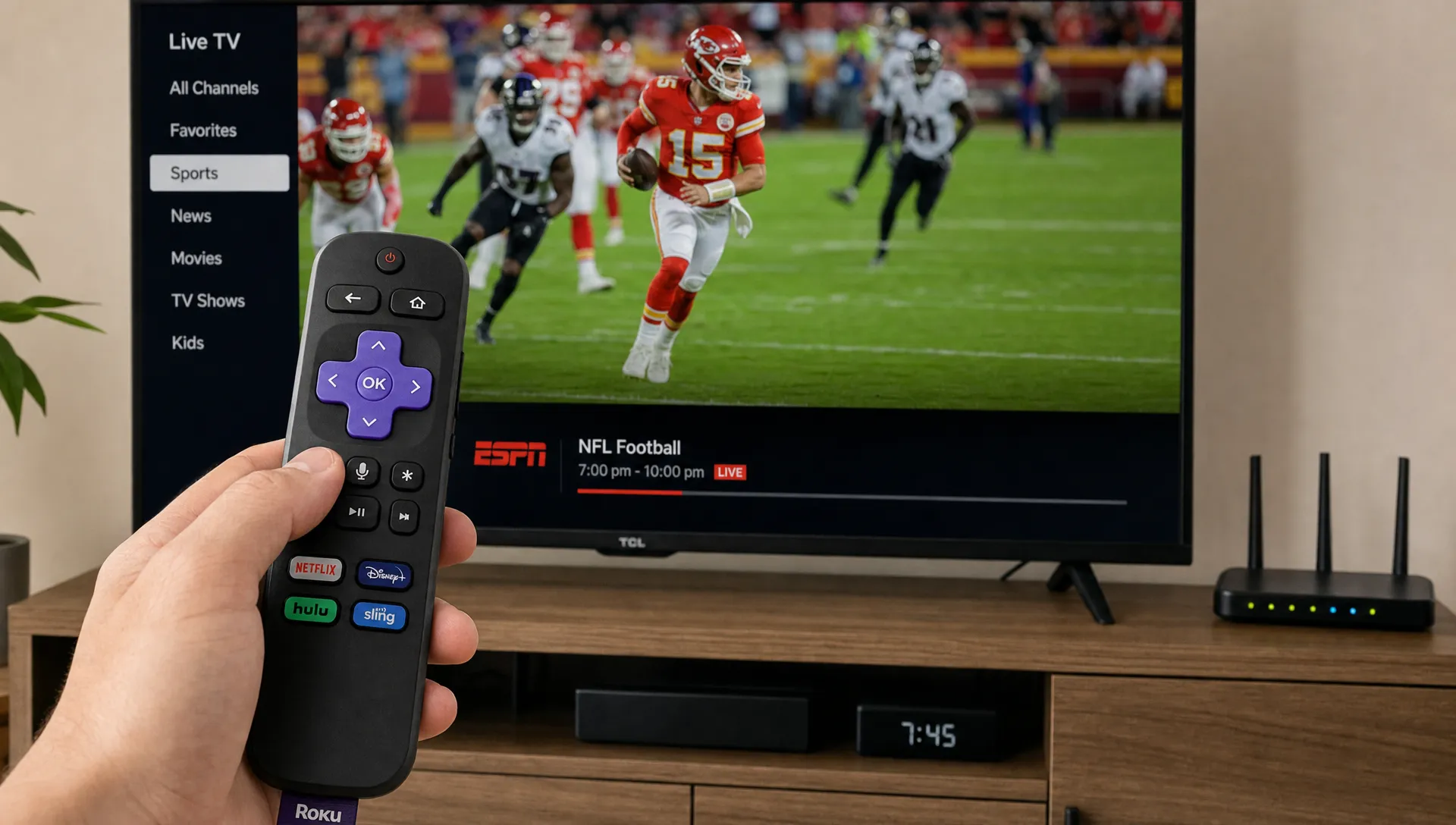
A premium iptv service should feel less like a workaround and more like a complete streaming setup: stable live TV, clear picture quality, broad device support and help when something does not work. If you are comparing IPTV options in the USA or UK, the difference between a basic subscription and a higher quality one usually shows up during busy sports nights, 4K playback, channel switching and customer support.
The goal is not just to get a long channel list. A strong IPTV experience depends on the servers behind the stream, the organization of the app or playlist, the consistency of the electronic program guide and the provider’s willingness to be transparent about plans, setup and limitations. Before you subscribe, it helps to know which features are genuinely useful and which claims deserve a closer look.
What a premium iptv service should deliver
At a basic level, premium IPTV should combine three things: content you actually watch, dependable streaming performance and a setup that works on your preferred devices. A huge library can look impressive, but it means little if your favorite channels buffer or the VOD section is poorly organized.
A premium iptv service should make the viewing experience predictable. That means live channels open quickly, movies do not fail halfway through and sports streams hold up when demand spikes. It also means the provider can explain which apps or devices are supported instead of leaving you to troubleshoot everything alone.
If you are still weighing subscription basics, this guide on how to choose an IPTV subscription in the USA covers the broader buying factors, including device compatibility, internet requirements and content availability.
Streaming quality: 4K means more than resolution
Many providers advertise 4K streaming, but resolution is only one part of picture quality. A stream can be labeled 4K and still look poor if the bitrate is low, the server is congested or your home network is unstable. Better services offer a range of SD, HD, Full HD and 4K options so viewers can match quality to their device and connection.
For 4K viewers, a premium iptv service should provide enough stability to maintain a sharp image without constant drops in quality. Netflix recommends a steady connection of 15 Mbps or higher for Ultra HD streaming, and IPTV users often benefit from extra headroom because live streams, Wi-Fi congestion and other devices in the home can affect performance.
Your TV, streaming stick and router matter too. A wired Ethernet connection is often more reliable than Wi-Fi for 4K playback. If you use Wi-Fi, a modern router and a strong signal near the streaming device can reduce buffering more than changing apps repeatedly.
Reliability, uptime and anti-freezing technology
Reliability is where premium services separate themselves from low quality options. IPTV depends on server capacity, routing, maintenance and how well the provider handles peak viewing hours. If every major match or pay-per-view event leads to freezing, the service is not truly dependable.
A premium iptv service is not immune to every internet problem, but it should reduce avoidable interruptions. Look for clear performance claims, fast servers, backup streams when available and support that can help you distinguish between a provider issue and a local network issue.
Here is a practical way to judge reliability before committing long term:
| Expectation | What to look for | Red flag |
|---|---|---|
| Stable live channels | Channels load quickly and stay open during normal viewing | Frequent freezing across many channels |
| Peak-time performance | Sports and popular events remain watchable | Streams fail only when demand is high |
| Server transparency | Provider explains uptime, support and setup basics | Vague claims with no troubleshooting help |
| Quality options | SD to 4K choices are available where supported | Only one stream quality for every situation |
The phrase “anti-freezing” can mean different things depending on the provider. Treat it as a performance promise to test, not a guarantee that your internet connection will never cause a problem.
Device compatibility and setup support
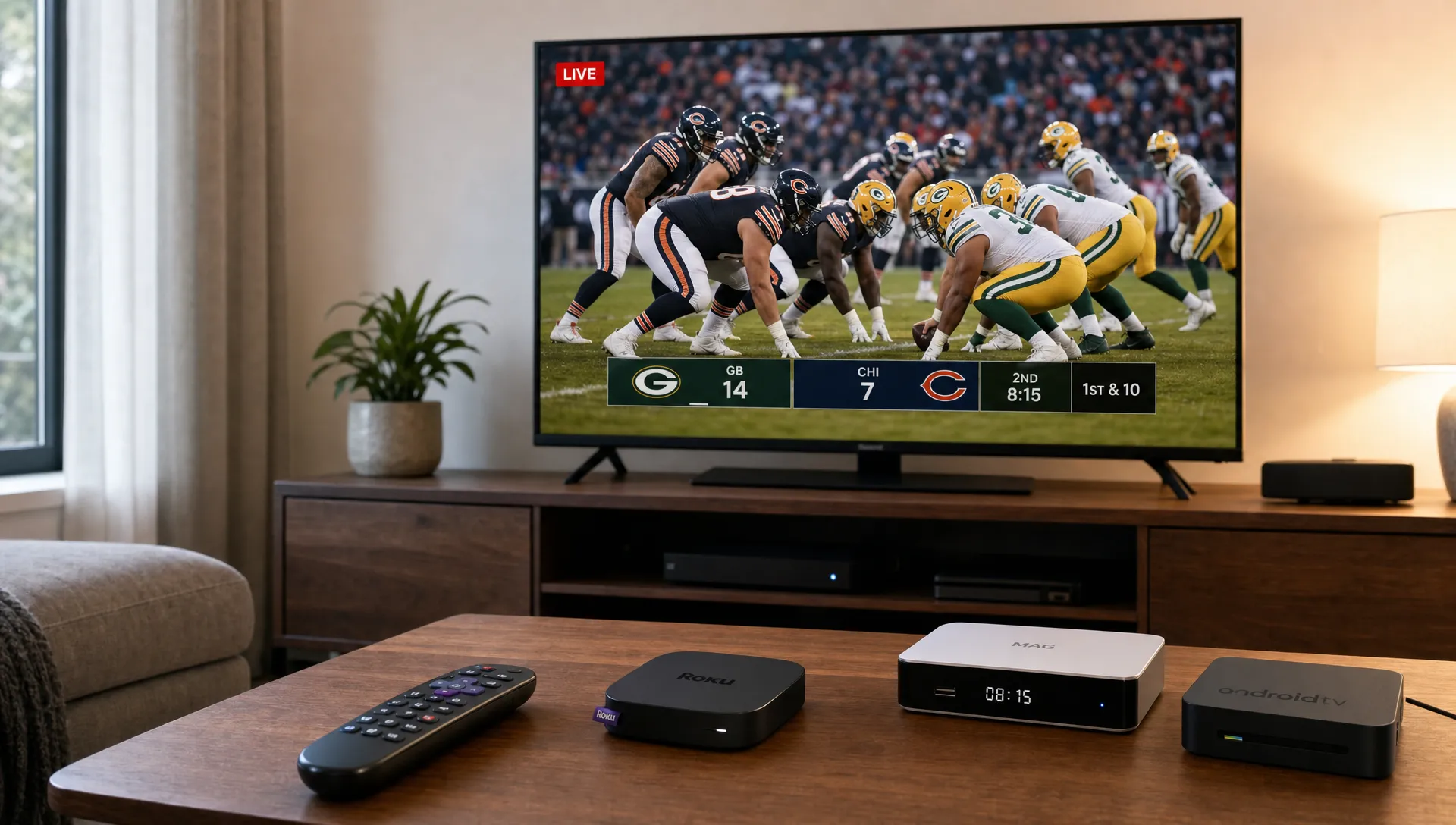
A good IPTV subscription should work where you actually watch TV. For many households, that means Smart TVs, Android TV boxes, Amazon Fire TV devices, phones, tablets, laptops and IPTV player apps. Compatibility should be explained clearly before purchase, including whether you need a specific player, login format or playlist setup.
With a premium iptv service, setup should not feel like guesswork. You should expect clear installation instructions and support if you need help adding credentials, updating an app or fixing playback errors. BuyIPTVfor4K highlights broad device compatibility and free installation help, which matters for viewers who want to start watching without spending hours searching forums.
If plan details are your main concern, this breakdown of IPTV plans and subscription choices can help you compare monthly, longer term and feature-based options before deciding.
Content: live channels, VOD, sports and organization
Content size matters, but organization matters just as much. A provider may advertise tens of thousands of channels and a large VOD catalog, but viewers still need easy navigation, working categories and updated listings. Sports fans need reliable event channels, movie fans need searchable VOD and families may care about kids, news and international categories.
A premium iptv service should make content discovery easy. Look for a functional EPG, logical groups, recent VOD updates and clear information about what regions or languages are covered. If you watch US, UK or international channels, check those categories specifically rather than assuming a large channel count includes the content you want.
For context, BuyIPTVfor4K highlights 30,000+ live channels and 140,000+ VOD titles, along with sports and movie content. Those numbers can be useful if the library aligns with your viewing habits, but the real test is whether the channels you care about are stable and easy to find.
Pricing, transparency and content rights
Premium does not always mean the most expensive plan. It means the price makes sense for the quality, support, device access and content you receive. A cheap plan that fails during live events can cost more in frustration than a better managed subscription. At the same time, a higher price should come with clear benefits.
A premium iptv service should also be transparent. Before paying, check the subscription length, renewal terms, device limits, refund or replacement policy and how support is handled. If a provider is unclear about what is included, or pushes only long commitments without enough information, slow down.
Content rights deserve attention. IPTV is a delivery technology, not a guarantee that every channel or movie is authorized in every region. Ask providers how they source content, what limitations apply and whether availability can change based on licensing or location. A responsible buyer should avoid services that make unrealistic promises, hide basic terms or refuse to answer reasonable questions.
Customer support: what “24/7” should mean
Support is easy to advertise and harder to deliver. For IPTV, helpful support usually means more than a quick reply. The provider should understand common devices, player apps, login formats, buffering causes and account activation issues.
Before you choose a premium iptv service, test how the provider communicates. Ask which devices are supported, how installation works, whether your internet speed is enough for 4K and what happens if channels stop working. The quality of the answer tells you a lot about the service.
Strong support should help with:
- Initial setup on your device or IPTV app
- Login or playlist activation issues
- Buffering checks, including Wi-Fi and speed guidance
- Channel loading problems and account questions
- Plan changes, renewals and basic troubleshooting
If you are new to IPTV, a simple pre-purchase checklist can prevent mistakes. The IPTV subscription checklist for first-time streamers is useful for reviewing content, devices, internet speed and support before buying.
How to test an IPTV service before committing
Testing is the safest way to separate marketing from performance. If a short plan or trial option is available, use it during the times you normally watch. A service can look great at noon and struggle during a Saturday night sports event, so test under real conditions.
Watch several channel types, not just one. Try live news, sports, movies, international channels and VOD playback. Switch between channels to see how quickly they load. If you plan to use 4K, test 4K specifically on the device and connection you will use most often.
Keep your expectations practical. Your internet service, router, device storage and IPTV player can all affect playback. A good provider can help you troubleshoot, but it cannot fix a weak home connection or an outdated device by itself.
Frequently Asked Questions
What makes IPTV premium instead of basic? Premium IPTV usually offers stronger streaming stability, better content organization, broader device support, higher quality playback options and more responsive customer help. The channel count is only one part of the experience.
Do I need very fast internet for 4K IPTV? You need a stable connection more than a headline speed. For 4K, 15 Mbps or more per stream is a useful baseline, but extra bandwidth is recommended if other people in the home are gaming, streaming or downloading at the same time.
Can I use IPTV on more than one device? It depends on the plan and provider rules. Some subscriptions allow multiple devices but only one active connection, while others offer extra connections. Always check this before buying.
Is a longer IPTV plan always better value? Not always. Longer plans can lower the monthly cost, but first-time users should confirm device compatibility, content quality and support reliability before choosing a long commitment.
Why does IPTV buffer even with good internet? Buffering can come from server congestion, Wi-Fi interference, an overloaded device, app issues or routing problems between your internet provider and the stream source. Testing with Ethernet and restarting the device can help identify local issues.
Ready for a better IPTV experience?
A strong IPTV subscription should give you reliable live TV, movies, sports and 4K-ready streaming without making setup complicated. If you want broad content access, device compatibility, fast servers and installation support, BuyIPTVfor4K offers flexible IPTV subscriptions for viewers in the USA and UK.
Compare the features that matter to your household, test performance when possible and choose the plan that fits how you actually watch. That is the best way to get value from IPTV without paying for features you will never use.
2 Replies to “What to Expect From a Premium IPTV Service”