
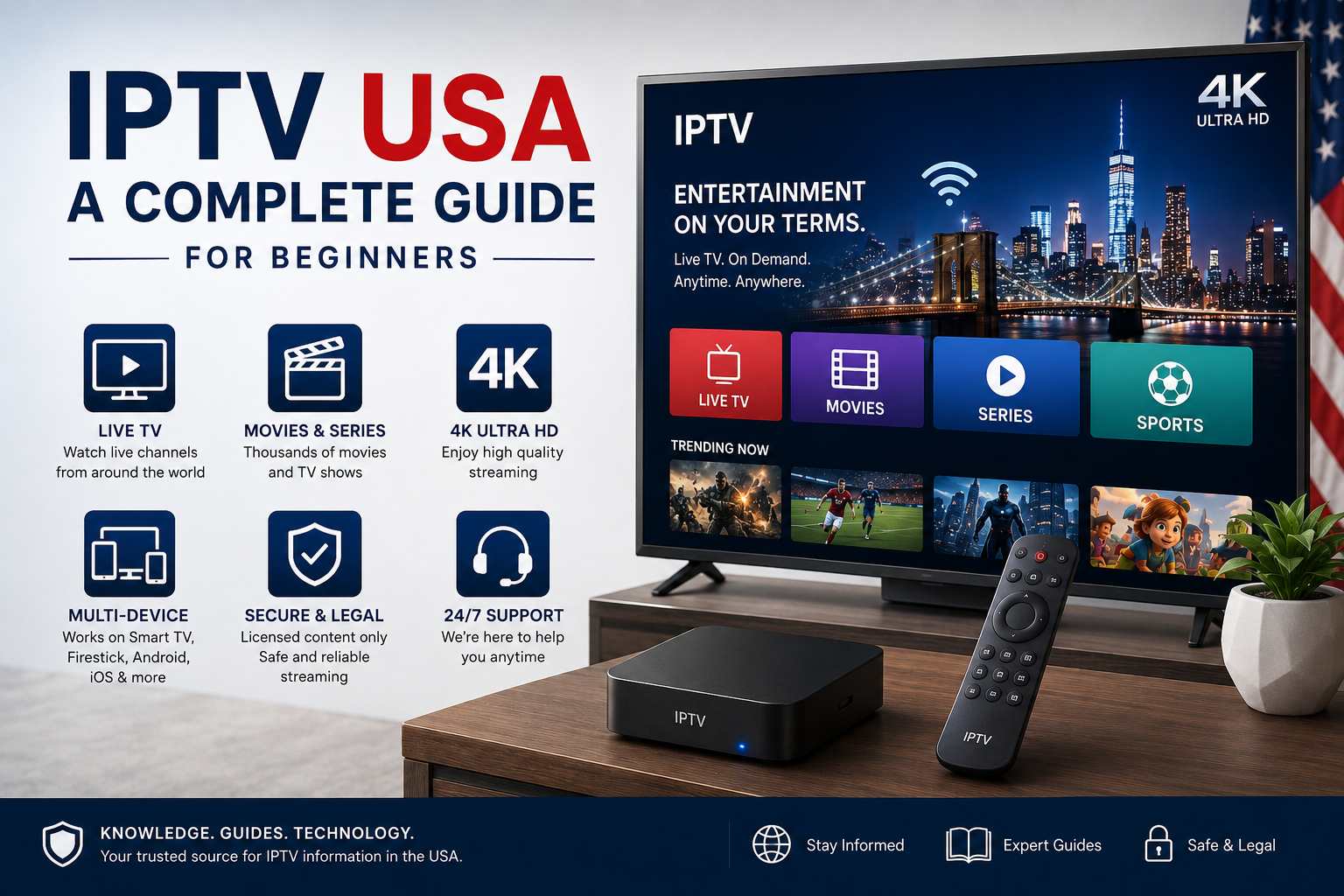
Television viewing in the United States has changed significantly as internet-connected devices have become part of everyday entertainment. Smart TVs, streaming devices, smartphones, tablets, and computers can now provide access to a wide variety of digital video services.
One technology that is often discussed in this environment is IPTV, or Internet Protocol Television.
If you are new to IPTV in the USA, you may have questions about how it works, what devices support it, what internet connection you need, and what you should look for when choosing a service.
This guide explains the basics of IPTV in the United States and provides practical information for beginners.
What Is IPTV?
IPTV stands for Internet Protocol Television. It refers to television or multimedia content delivered through IP-based networks rather than relying exclusively on traditional terrestrial, cable, or satellite distribution.
IPTV can support different types of viewing experiences, including live television and other forms of digital video, depending on the service and technology involved.
If you are completely new to the subject, our What Is IPTV and How Does It Work? guide provides a more detailed explanation of the underlying technology.
The term IPTV describes a delivery technology rather than automatically indicating that a particular service is legitimate or authorized. The content provider and the rights associated with the programming are important considerations.
How Does IPTV Work in the USA?
The basic process is similar regardless of whether the viewer is in the United States or another country.
Content is prepared for digital distribution and delivered through an IP network. A compatible device receives the data and an appropriate application or platform processes it so that the viewer can watch the content.
A simplified process looks like this:
- Television or video content is prepared for digital distribution.
- The content is delivered through an IP-based network.
- The viewer’s internet connection receives the data.
- A compatible device and application process the stream.
- The content appears on the television, computer, smartphone, or other supported device.
The exact architecture can vary between providers and platforms.
IPTV vs Traditional TV in the USA
Traditional television can be delivered through terrestrial broadcasting, cable, or satellite.
IPTV uses IP-based network infrastructure.
The main difference is therefore the method used to deliver the content.
Modern televisions can combine several technologies. A Smart TV might receive traditional broadcast television while also running internet-based applications and other streaming platforms.
If you want to understand the differences in more detail, read our IPTV vs Traditional TV guide.
What Devices Can You Use for IPTV?
One of the most important things to check before choosing an IPTV service is device compatibility.
Depending on the provider and application, IPTV-related services may work with several types of devices.
Smart TVs
Smart TVs are among the most convenient devices for internet-based television.
Samsung, LG, Sony, and other manufacturers offer connected television platforms that can run compatible applications.
However, application availability varies between operating systems and television models.
Amazon Fire TV
Amazon Fire TV devices can connect to televisions and provide access to compatible streaming applications.
Before installing an application, check that it is compatible with your particular Fire TV model and that you are using an authorized service.
Android TV and Google TV
Android TV and Google TV devices support a broad range of streaming applications.
The exact installation process depends on the application, device, and service.
Apple TV
Apple TV provides another platform for compatible applications and digital entertainment.
Users should check the current application requirements before subscribing to a service.
Smartphones and Tablets
Depending on the service, compatible applications may also allow viewing on smartphones and tablets.
Mobile streaming can be convenient, but high-resolution video can consume considerable amounts of mobile data.
Computers
Some services can also be accessed through computers using compatible software or web-based platforms.
What Internet Speed Do You Need for IPTV in the USA?
Your internet connection is an important part of the IPTV experience.
There is no universal speed requirement because the amount of bandwidth needed depends on video quality, network conditions, the number of simultaneous streams, and other activities taking place on your connection.
For example, a household watching one HD stream has different requirements from a household where several people are simultaneously streaming video, gaming, attending video calls, and downloading files.
The FCC provides consumer guidance explaining that multiple devices sharing a home Wi-Fi network can affect performance and that users can test their connection and check their networking equipment when performance is lower than expected.
For users researching broadband availability in the United States, the FCC’s National Broadband Map can also show reported internet availability and advertised speeds at locations across the country.
IPTV and 4K Streaming
4K television has become increasingly common, but having a 4K television does not automatically guarantee 4K streaming.
For a genuine 4K viewing experience, several components need to support the required resolution:
- 4K-compatible content
- Compatible hardware
- A suitable application
- Adequate network performance
- A 4K display
The internet connection is only one part of the complete setup.
If multiple devices are using the same network, additional bandwidth may also be required.
Why Does IPTV Buffer?
Buffering can happen for several different reasons.
A slow internet connection is only one possible cause.
Other factors include:
Weak Wi-Fi
The television may be too far from the router or separated from it by walls and other obstacles.
Network Congestion
Several connected devices can share the same internet connection and compete for available bandwidth.
Router Performance
An outdated or poorly positioned router can affect the quality of the connection inside your home.
Device Limitations
Older Smart TVs and streaming devices may have limitations when processing demanding video formats.
Service-Side Problems
Temporary technical issues affecting a streaming service can also result in playback interruptions.
For this reason, changing your internet plan is not always the first solution to try.
How to Improve IPTV Streaming
If you experience buffering or unstable playback, there are several basic steps worth checking.
Check Your Internet Speed
Run a reputable speed test to see whether your actual connection matches your expected performance.
Improve Your Wi-Fi
Moving the router to a more central location can sometimes improve wireless coverage.
Consider Ethernet
If your television or streaming device supports Ethernet, a wired connection can provide a consistent connection compared with weak Wi-Fi.
Reduce Network Activity
Large downloads, cloud backups, and multiple simultaneous streams can increase the demand on your network.
Restart Your Router
A router restart can sometimes resolve temporary connectivity problems.
Keep Your Devices Updated
Make sure your Smart TV, streaming device, and relevant applications are running supported software versions.
What Should You Look for in an IPTV Service in the USA?
If you are considering an IPTV service, don’t choose one solely because it advertises a large number of channels or a low price.
Instead, evaluate several factors.
Device Compatibility
Make sure the service works with your preferred device.
Content Availability
Check whether the programming you are interested in is actually available.
Video Quality
Look at the supported resolutions and determine whether they match your television and internet connection.
Customer Support
A clear support system can be useful when you have questions about an account, application, or compatible device.
Subscription Terms
Review the subscription price, duration, renewal conditions, cancellation policy, and refund terms before purchasing.
Privacy
Read the provider’s privacy policy to understand how personal information is handled.
Content Authorization
Most importantly, make sure the provider is authorized to distribute the content it offers.
The U.S. Copyright Office explains that copyright protects original works including movies, music, software, and other creative works. The Copyright Office has also addressed the copyright implications of unauthorized streaming, making content authorization an important consideration when evaluating online television services.
Is IPTV Legal in the USA?
IPTV technology itself is not illegal.
The important question is whether a particular provider has the necessary rights to distribute the content it offers.
A legitimate IPTV service should operate with appropriate authorization for its programming.
Consumers should therefore avoid assuming that every website advertising IPTV operates in the same way.
Before subscribing, research the provider, read its terms, and look for clear information about its services and content rights.
IPTV for American Viewers
The United States is a large and diverse market, so viewing requirements can vary considerably between households.
Some viewers may primarily use Smart TVs, while others prefer Fire TV, Android TV, Apple TV, smartphones, or computers.
Internet availability also differs by location.
The FCC’s National Broadband Map provides information about reported broadband availability and the technologies and advertised speeds offered at particular locations.
This can be useful when evaluating whether your home internet setup is suitable for high-quality streaming.
IPTV and Smart TVs
Smart TVs have made internet-based entertainment more accessible.
A modern television can combine traditional broadcast channels with applications and internet-based services, allowing users to manage different forms of entertainment from one device.
However, application compatibility varies.
Before choosing an IPTV service, check whether the service supports your specific television platform.
IPTV and Fire TV
Fire TV is another popular option for viewers who want to connect internet-based entertainment to their television.
Before using an IPTV-related application, check:
- Whether your device is supported
- Whether the application is officially available
- What subscription requirements apply
- What content is included
- Whether the service has appropriate distribution rights
Always follow the official setup instructions provided by the application or service.
IPTV and Mobile Streaming
Smartphones and tablets can provide additional flexibility for compatible services.
However, mobile streaming can consume substantial amounts of data, particularly when watching HD or 4K video.
If you are using cellular data instead of Wi-Fi, check your mobile plan’s data allowance before watching extended high-resolution content.
IPTV Subscription Considerations
Before purchasing an IPTV subscription in the USA, take a few minutes to review the available information.
Ask yourself:
Does the service support my device?
Does it offer the content I am looking for?
Are the subscription terms clear?
Is there a transparent refund or cancellation policy?
Does the provider explain how customer information is handled?
Does the provider have the necessary rights for the content it distributes?
If important information is unclear, consider researching the service further before making a purchase.
Common IPTV Mistakes Beginners Should Avoid
New users sometimes focus too heavily on one factor, such as price or the advertised number of channels.
A better approach is to consider the complete service.
Choosing Only Based on Price
The cheapest option may not provide the features, support, compatibility, or reliability you need.
Ignoring Device Compatibility
Always check whether your particular device is supported.
Assuming More Channels Means Better Value
A large channel list is not automatically better if it doesn’t contain the programming you actually watch.
Ignoring Subscription Terms
Read the renewal, cancellation, and refund information before purchasing.
Overlooking Content Rights
Make sure the provider is authorized to distribute the content it offers.
Getting Started With IPTV in the USA
If you have decided to explore IPTV, start by identifying your preferred device and viewing requirements.
Then:
- Check your internet connection.
- Identify compatible applications.
- Research legitimate providers.
- Compare subscription terms.
- Check available content.
- Review privacy information.
- Confirm content authorization.
- Follow the official setup instructions.
Taking these steps can make it easier to choose a service that fits your requirements.
Final Thoughts
IPTV provides a way to deliver television and multimedia content through IP-based networks, giving viewers another option alongside traditional cable, satellite, and terrestrial television.
For viewers in the USA, the most important considerations are device compatibility, internet performance, video quality, content availability, subscription terms, privacy, and content rights.
There is no single IPTV setup that is perfect for every household. The right choice depends on the devices you use, your internet connection, the content you want to watch, and the services legitimately available to you.
If you are researching IPTV services and want to learn more, BuyIPTVfor4K.com provides additional information about IPTV and related streaming options.
10 Replies to “IPTV USA: A Complete Guide for Beginners”