
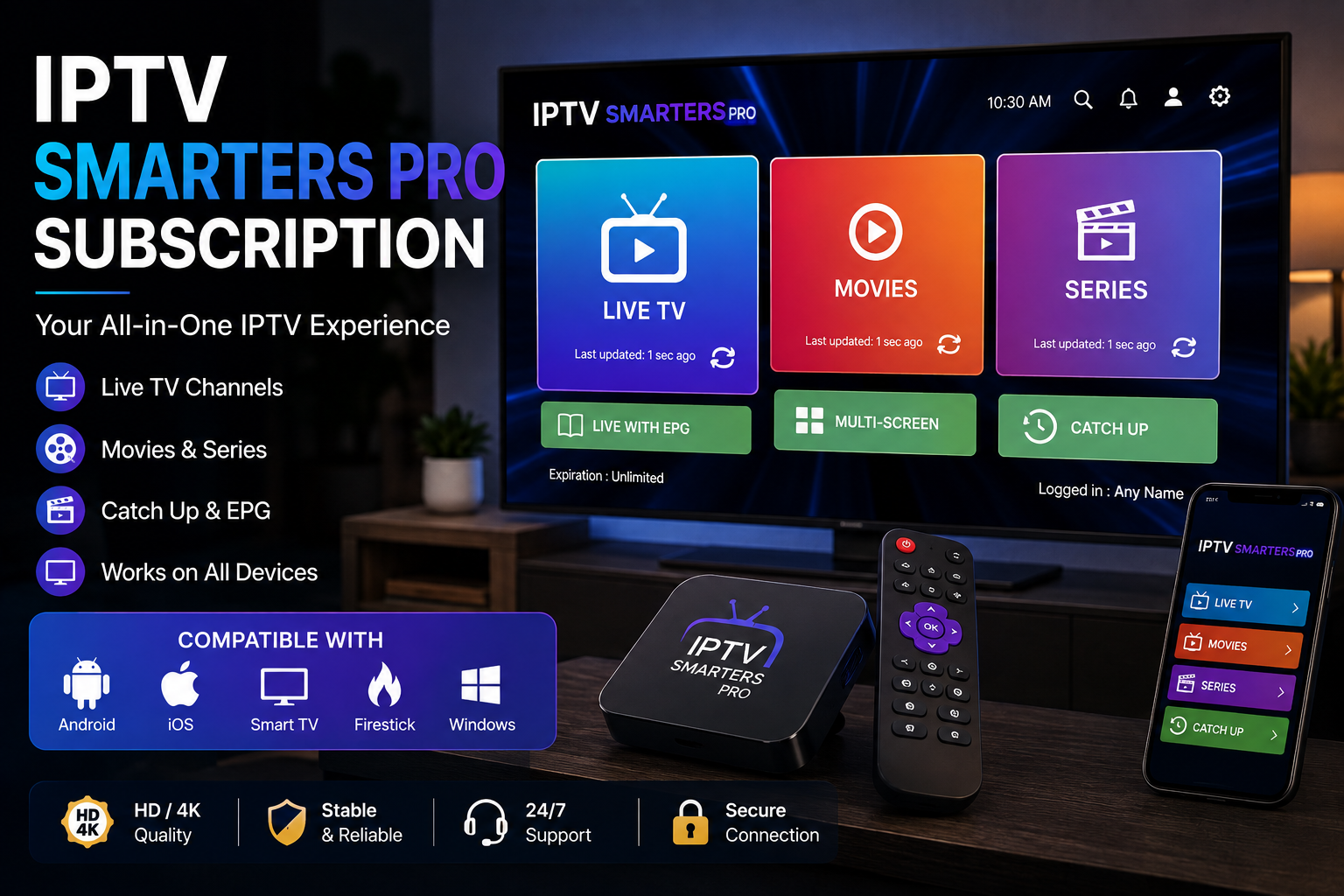
If you are searching for an IPTV Smarters Pro subscription, it is important to understand one thing first: Smarters Pro is a media player application, not an IPTV provider.
The application is designed to play legally obtained media and IPTV content supplied by a separate service provider. Smarters Pro itself does not provide TV channels, movie libraries, or IPTV subscriptions.
This distinction is important because many people searching for an IPTV Smarters Pro subscription are actually looking for an IPTV service that can be used with the Smarters Pro player.
In this guide, we explain how the application fits into an IPTV setup, what to look for in an IPTV subscription, device compatibility, streaming quality, pricing, and how to choose a service responsibly.
What Is an IPTV Smarters Pro Subscription?
The phrase IPTV Smarters Pro subscription can be confusing.
Smarters Pro is a media player application that allows users to play compatible content from their own legally obtained sources. It does not sell or provide IPTV channel packages itself.
In practice, when someone searches for an IPTV Smarters Pro subscription, they may be looking for two separate things:
- A compatible media player such as Smarters Pro.
- An IPTV service or content provider that supplies authorized television content.
These are separate products and services.
If you are comparing IPTV services, you can also explore the IPTV Subscription guide on BuyIPTVfor4K for additional information about pricing, device compatibility, subscription terms, and content authorization.
How Does Smarters Pro Work With IPTV?
Smarters Pro functions as a player rather than as the source of the television content.
The general setup involves a compatible application, an authorized content source, and a compatible device.
A simplified example looks like this:
Authorized IPTV service → Login or playlist information → Smarters Pro → TV or compatible device
The exact configuration depends on the service and the device being used.
Because Smarters Pro does not provide the content itself, users should make sure that the IPTV provider they choose has the appropriate rights to distribute the programming.
The official Smarters Pro terms specifically state that the application does not provide, host, sell, or distribute media content or TV channels.
What Should You Look For in an IPTV Subscription?
If you are searching for an IPTV service that works with a media player such as Smarters Pro, don’t choose a subscription based only on the number of channels advertised.
Several other factors can be much more important.
1. Content Authorization
The first consideration should be whether the provider is authorized to distribute the content it offers.
IPTV is a technology for delivering television and multimedia through IP networks. The technology itself does not determine whether a particular service is authorized.
A responsible provider should be transparent about the content it distributes and the regions in which that content is available.
For a deeper explanation, see our previous guide on IPTV subscriptions in the USA.
2. Device Compatibility
Before purchasing any IPTV service, check whether the service works with your preferred device and player.
Depending on the provider, viewers may use:
- Smart TVs
- Android TV devices
- Fire TV devices
- Apple TV
- Smartphones
- Tablets
- Computers
- Other compatible streaming hardware
Compatibility can vary, so it is always better to confirm the current requirements before subscribing.
Our IPTV Smart TV setup guide explains some of the main factors to consider when preparing a Smart TV for an authorized IPTV service.
IPTV Smarters Pro Subscription vs. IPTV Service
Understanding the difference between the application and the service can save you from choosing the wrong product.
| Feature | Smarters Pro | IPTV Service |
|---|---|---|
| Media player | Yes | Depends on provider |
| Provides TV channels | No | Depends on provider |
| Provides content | No | Depends on provider |
| Plays compatible streams | Yes | Provides the streams |
| Subscription | App terms may apply | Provider-specific |
| Content licensing | Does not provide content | Provider responsibility |
The key point is simple:
Smarters Pro is the player. The IPTV provider is responsible for the content.
This is why searching for an “IPTV Smarters Pro subscription” can sometimes lead to confusion.
How Much Does an IPTV Subscription Cost?
There is no universal IPTV subscription price.
Pricing can vary depending on the duration of the plan, available content, video quality, number of connections, device support, and other features.
Our previous IPTV subscription cost guide explains the main factors that influence IPTV pricing and why the cheapest advertised price is not always the best value.
Before choosing a plan, consider:
- Monthly price
- Subscription duration
- Renewal conditions
- Refund policy
- Supported devices
- Streaming quality
- Customer support
- Content authorization
A transparent provider should clearly explain these details before purchase.
Is a Cheap IPTV Subscription Always Better?
Not necessarily.
A very low price may look attractive, but price alone does not tell you whether a service will provide a good experience.
Instead of focusing exclusively on cost, compare the complete package.
For example, our IPTV Plans guide explains why subscription duration, supported devices, video quality, features, payment conditions, and renewal policies should all be considered when comparing IPTV plans.
The best option is generally the service that provides the features you actually need at a transparent price.
Streaming Quality and Internet Connection
Your internet connection plays an important role in any internet-based television setup.
Even a good media player cannot compensate for an unstable internet connection.
Several factors can influence playback:
- Internet speed
- Wi-Fi signal strength
- Router performance
- Device hardware
- Video resolution
- Network congestion
- Provider infrastructure
If you are specifically interested in 4K IPTV, our previous 4K IPTV guide explains why native 4K resolution, HEVC/H.265 support, sustained bandwidth, and compatible hardware matter.
Is Smarters Pro Available on Every Device?
Device availability can change, so users should always check the official Smarters Pro website and the relevant app store for their device.
The important point is that installing a media player does not automatically provide access to television channels.
You still need an authorized source of content that is compatible with the player.
For the latest information about Smarters Pro itself, visit the official Smarters Pro website.
Is Smarters Pro the Same as an IPTV Provider?
No.
This is one of the most important points for anyone searching for an IPTV Smarters Pro subscription.
Smarters Pro describes itself as a standalone media player and states that it does not provide, host, sell, or distribute TV channels or streaming services.
Therefore, users should be cautious about websites claiming to be the official Smarters Pro service while selling channel packages under the Smarters Pro name.
The official website itself warns users about websites that misuse the Smarters Pro name and branding.
Choosing an IPTV Provider for Smarters Pro
If you want to use a media player such as Smarters Pro with an IPTV service, consider the following checklist before subscribing:
✔ Does the provider clearly identify its company or service?
✔ Does it explain where its programming comes from?
✔ Is the content properly authorized?
✔ Does the service support your preferred device?
✔ Are pricing and renewal terms clear?
✔ Is there a transparent refund policy?
✔ Is customer support available?
✔ Does the provider explain its privacy practices?
These questions are more useful than simply choosing the provider with the biggest channel number.
BuyIPTVfor4K and IPTV Subscription Information
If you are researching IPTV services, BuyIPTVfor4K.com provides additional guides covering IPTV subscriptions, plans, Smart TV setup, 4K streaming, and other aspects of internet television.
For example, you can read our guide on how to subscribe to IPTV to understand the main factors to consider before selecting an IPTV service.
You can also explore the IPTV Subscribe guide for another overview of IPTV subscriptions, pricing, compatibility, and content authorization.
These resources are useful for readers who want to understand IPTV before making a purchasing decision.
IPTV Smarters Pro Subscription: Final Thoughts
Searching for an IPTV Smarters Pro subscription can be confusing because the name combines two separate concepts.
Smarters Pro is a media player, while an IPTV provider is responsible for supplying television or multimedia content.
If you plan to use Smarters Pro, make sure that the content source you connect to it is properly authorized and compatible with your device.
Before purchasing an IPTV subscription, compare the content, device compatibility, streaming quality, pricing, renewal conditions, customer support, and licensing information.
For more IPTV guides and resources, visit BuyIPTVfor4K.com and explore the latest articles on IPTV subscriptions, Smart TVs, 4K streaming, and connected television.
Frequently Asked Questions
What is an IPTV Smarters Pro subscription?
The term usually refers to an IPTV subscription intended to be used with the Smarters Pro media player. Smarters Pro itself is not the IPTV provider and does not supply television channels.
Does Smarters Pro provide IPTV channels?
No. Smarters Pro states that it is a media player and does not provide, host, sell, or distribute TV channels or streaming services.
Do I need an IPTV provider to use Smarters Pro?
You need a legally obtained and compatible source of media content to play through the application.
Can I use Smarters Pro on a Smart TV?
Compatibility depends on the particular device, operating system, and current availability of the application. Check the official Smarters Pro platform for the latest information.
How do I choose an IPTV subscription?
Compare content authorization, device compatibility, streaming quality, pricing, renewal terms, privacy, customer support, and refund policies rather than relying only on channel counts.
Where can I learn more about IPTV subscriptions?
You can explore the BuyIPTVfor4K IPTV blog for additional guides covering IPTV subscriptions, plans, Smart TV setup, 4K streaming, and related topics.