
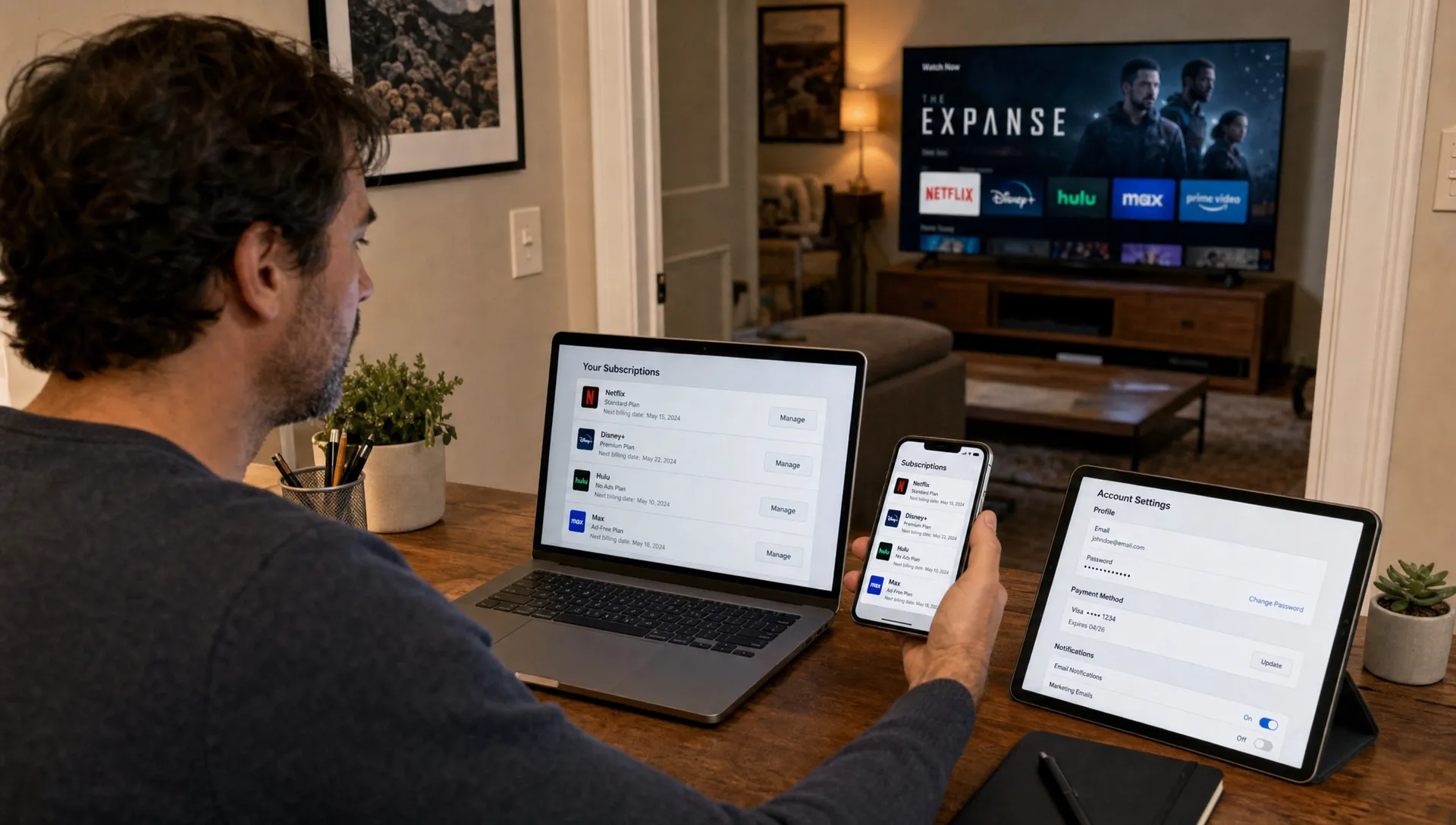
If you use IPTV Smarters Player for live TV, movies or sports, your iptv smarters account deserves the same protection as your email, banking and shopping logins. The app may be simple to use, but the credentials behind it can expose your subscription, viewing access and payment-related information if they are shared, reused or stolen.
Securing IPTV Smarters is not about becoming a cybersecurity expert. It is about using safer login habits, downloading apps from trusted sources, keeping devices clean and knowing what to do if something looks suspicious. This guide walks through practical steps for U.S. streamers who want smoother, safer IPTV access across Smart TVs, Firesticks, phones, tablets and computers.
Why Your IPTV Smarters Account Needs Protection
IPTV Smarters Player is commonly used as an app interface for IPTV subscriptions. In many setups, your login details come from your IPTV provider, often through Xtream Codes, an M3U playlist link or a portal URL. That means the app itself is only one part of the setup. Your provider credentials, your device security and your home network all matter.
A weak IPTV Smarters Account can lead to unwanted access, service interruptions or account lockouts if someone else starts using your connection. Some providers also limit simultaneous connections, so credential sharing can affect your own playback quality.
Security matters even more when you install IPTV on devices used by the whole household. A Smart TV in the living room, a Fire TV Stick in a bedroom and a phone used while traveling may all be connected to the same subscription. If one device is compromised, your streaming setup can become harder to manage.
How to Secure Your IPTV Smarters Account Step by Step
Start with the basics: treat your IPTV login like a real account, not a disposable code. If your provider allows you to change the password, choose a unique one that you do not use anywhere else. If the provider controls the password, ask support whether they can reset it if you suspect it has been shared or exposed.
For first-time setup on a television, follow a clean installation path rather than downloading random files. If you are setting up the app on a compatible TV, this guide to IPTV Smarters Player on a Smart TV explains the safer route through official app stores and provider-supplied login details.
Use a strong, unique password where possible
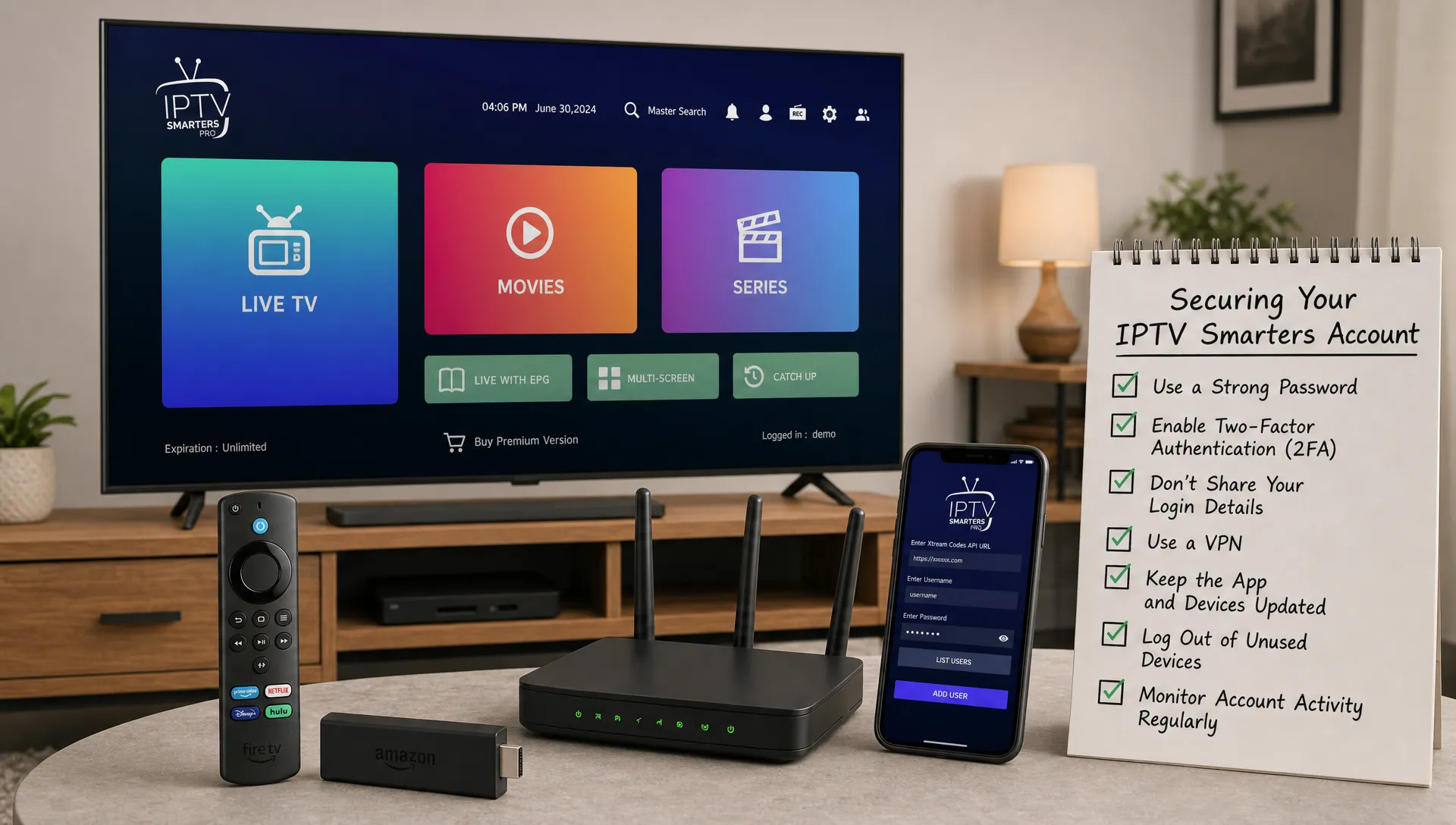
Protecting an IPTV Smarters account starts with password discipline. A strong password should be long, unique and stored safely. The U.S. Cybersecurity and Infrastructure Security Agency recommends using strong passwords and password managers to reduce the risk of credential theft.
Avoid using passwords that include your name, phone number, birthday, street name, favorite team or simple patterns. Also avoid reusing the same password from your email, social media or shopping accounts. If one unrelated service leaks credentials, attackers often try those same login combinations elsewhere.
If your IPTV provider sends credentials by email, protect that email account too. Use a strong email password and enable multi-factor authentication when available. Your inbox may contain portal URLs, usernames, order confirmations and support messages, so it should be treated as part of your IPTV security chain.
Keep subscription details private
Do not post screenshots of your IPTV Smarters dashboard, login page, M3U link or Xtream Codes details in social groups. Even partial screenshots can reveal a username, server address or customer ID. If you need support, send details only through the provider’s official support channel.
Sharing credentials with friends can also create problems. If your plan supports only a certain number of connections, extra users may cause buffering, failed logins or account suspension depending on the provider’s rules. If multiple people in your home need access, choose a plan that supports your actual device needs.
Download and Update IPTV Smarters Safely
A secure IPTV Smarters account can still be exposed if you install a modified app or a fake version of the player. The safest approach is to use official app stores whenever possible. On Smart TVs, look for the app in the manufacturer’s store. On phones and tablets, use the official Apple App Store or Google Play Store.
Firestick users should be especially careful because sideloading is common. Sideloading can be legitimate, but it also increases risk if you download APK files from unknown websites. If you stream through Amazon Fire TV, review safe setup practices for using a Firestick with IPTV smoothly and securely before installing apps or entering credentials.
Keep your app and device software updated. Updates often fix bugs, improve compatibility and close security gaps. Also review app permissions. An IPTV player does not need access to everything on your device. If a version of an app requests unusual permissions, stop and verify the source before continuing.
Protect the Devices and Network You Stream On
Your IPTV Smarters account is only as secure as the devices where you use it. A compromised phone, outdated streaming stick or poorly secured router can put your login details at risk. Start with the home network because most streaming happens there.
Use WPA2 or WPA3 security on your Wi-Fi network and replace the default router admin password. The Wi-Fi password and the router admin password are not the same thing, and both matter. If your router has not been updated in years, check the manufacturer’s app or admin panel for firmware updates.
For shared homes, consider using a guest network for visitors. This keeps guest devices separate from the devices you use for streaming and personal accounts. It also reduces the chance that a compromised visitor device can interact with your Smart TV, laptop or streaming box.
Device hygiene matters too. Remove apps you do not use, clear old downloads and avoid installing unknown tools that promise free premium channels. Many suspicious IPTV tools are designed to collect logins rather than improve streaming.
| Security area | Safer habit | Why it helps |
|---|---|---|
| Router | Change the default admin password | Prevents easy access to network settings |
| Wi-Fi | Use WPA2 or WPA3 encryption | Protects devices connected at home |
| Streaming device | Keep software updated | Fixes bugs and security issues |
| Apps | Remove unknown or unused apps | Reduces exposure to suspicious software |
| Login details | Store credentials privately | Prevents account sharing and theft |
Watch for Phishing and Fake IPTV Support
Phishing is one of the most common ways people lose access to online accounts. The Federal Trade Commission warns that scammers often use urgent messages, fake support pages and suspicious links to trick people into giving away login or payment information.
An IPTV Smarters account can be targeted in the same way. Be cautious if someone messages you claiming your subscription will be canceled unless you send your password, card number or full M3U link. A legitimate provider should not need your full password to help with basic setup questions.
Use the same caution you would use with any online purchase. For example, when shopping through an ecommerce site such as an authentic sneakers and streetwear shop, you would expect clear product information, secure payment options and recognizable customer policies before entering personal information. Apply that same mindset when evaluating IPTV emails, checkout pages and support messages.
Before subscribing or renewing, confirm that the website looks legitimate, explains plan details clearly and offers responsive support. If you are comparing providers, this guide on how to spot a trustworthy IPTV website before you subscribe can help you avoid risky services.
What to Do If Your Account May Be Compromised
If your IPTV Smarters account suddenly stops working, logs out repeatedly or shows signs that someone else is using it, act quickly. Do not keep retrying the same credentials across multiple unofficial apps. That can spread your login details further if one of those apps is unsafe.
First, contact your IPTV provider through the official support channel. Ask whether your password, Xtream Codes login or M3U link can be reset. If your provider has a customer portal, change your password there. If you used the same password anywhere else, change it on those services immediately.
Next, clean up your devices. Remove suspicious apps, restart the device and update the operating system. On phones and computers, run a reputable security scan if you suspect malware. If payment information may have been exposed, contact your card issuer or payment provider and monitor recent transactions.
| Warning sign | Possible cause | Recommended action |
|---|---|---|
| Login fails on every device | Password changed or account reset needed | Contact official provider support |
| Streams stop when another device connects | Connection limit reached | Review plan limits and signed-in devices |
| Unknown charges appear | Payment details may be exposed | Contact payment provider immediately |
| App asks for unusual permissions | Fake or modified app | Uninstall and use an official source |
| Support message asks for full password | Phishing attempt | Do not reply, verify through official channels |
Simple Monthly Security Checklist
Keeping an IPTV Smarters account safe is easier when you turn it into a routine. Once a month, take five minutes to review your setup. Check whether your streaming app is updated, confirm your device software is current and make sure your credentials have not been shared beyond your household.
Also review the devices connected to your subscription. If you replaced a Firestick, sold a tablet or gave away an old Smart TV, remove the app or reset the device before handing it over. A factory reset is the safest option when you no longer control the device.
If you use IPTV across several rooms, write down which devices are supposed to have access. This is especially useful for homes with kids, roommates or frequent guests. You do not need a complex spreadsheet. A simple note with device names and locations can help you spot anything unusual.
Finally, keep your provider information organized. Save the official website, support email and renewal details in a password manager or secure note. That way, if something goes wrong, you do not have to search through old messages or risk clicking a fake support link.
Frequently Asked Questions
Can someone steal my IPTV Smarters account? Yes. If they obtain your username, password, M3U link or Xtream Codes details, they may be able to use your subscription. Keep those details private and reset them through your provider if you think they were exposed.
Does IPTV Smarters Player store my subscription? IPTV Smarters Player is commonly used to access credentials supplied by an IPTV provider. Your subscription usually comes from the provider, not the app itself, so protect both your app installation and provider login details.
Should I use a VPN with IPTV Smarters? A VPN can improve privacy on some networks, but it does not replace strong passwords, trusted apps or a reliable IPTV provider. If you use a VPN, choose a reputable service and make sure it does not violate your provider’s terms.
What is the safest way to log in on a new device? Install the app from an official or trusted source, enter credentials privately and avoid saving login details on devices you do not own. After setup, test playback and keep the device updated.
What should I do before selling a device with IPTV installed? Log out of the app, remove saved playlists and perform a factory reset. This helps prevent the next owner from accessing your IPTV Smarters account or other personal services.
Stream Smarter With Better Account Protection
Good IPTV security comes down to a few consistent habits: use trusted apps, keep credentials private, secure your home network and verify support messages before responding. These steps help protect your access and keep streaming smoother across your devices.
BuyIPTVfor4K offers IPTV subscriptions with live channels, movies, sports, broad device compatibility and setup support for USA and UK viewers. If you need help configuring your service safely, use official support channels and avoid sharing sensitive login details outside them.