
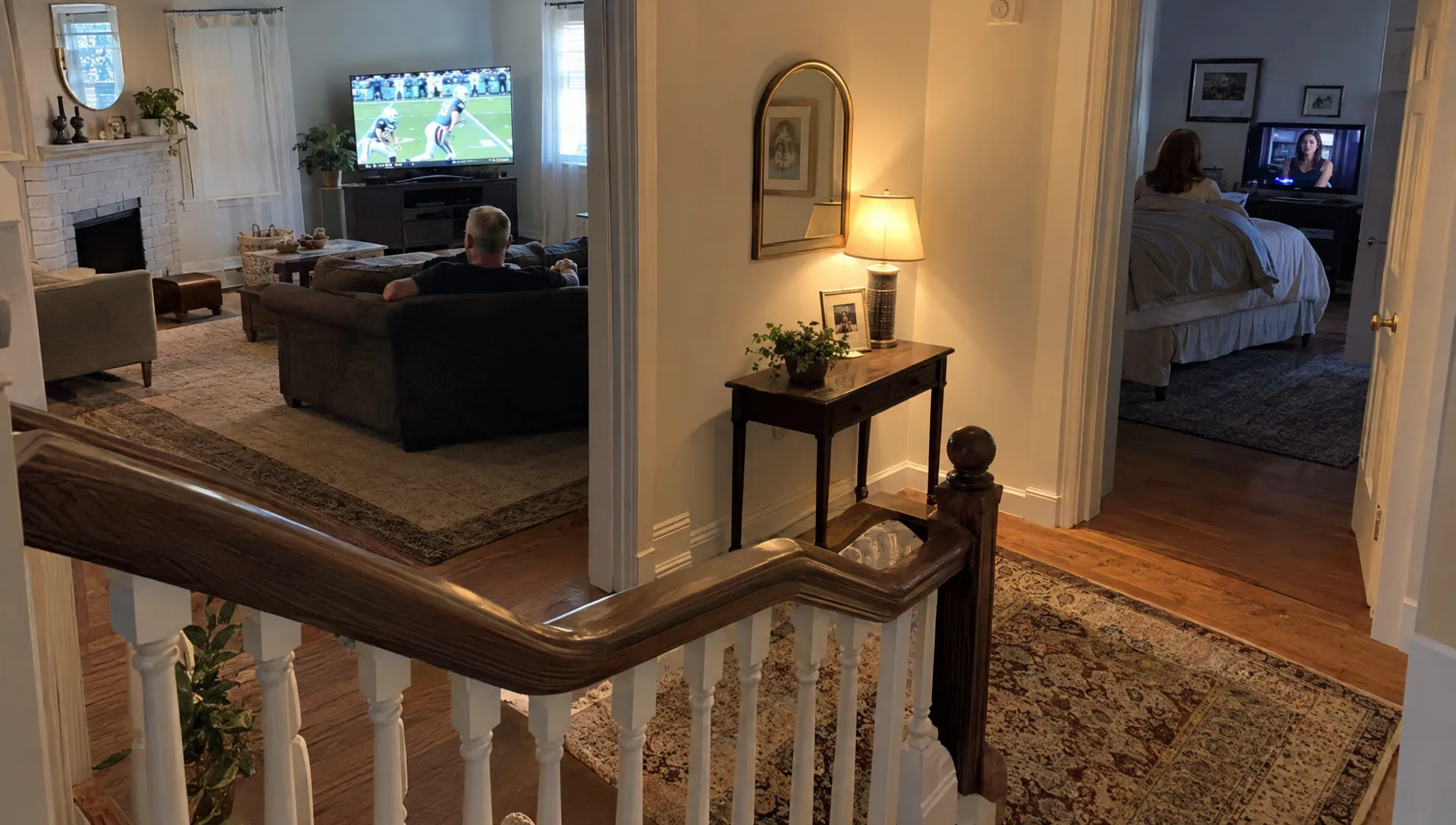
Two televisions can work perfectly on their own, then run into trouble when someone starts watching on a tablet. When comparing iptv providers, the key question is not just which devices they support. It is how many playback sessions your subscription allows at once and whether your home connection can carry them reliably.
Those are separate limits. A faster internet plan cannot unlock an extra subscription connection, while additional subscription connections cannot fix overloaded Wi-Fi. Understanding how providers count streams, deliver video and release inactive sessions helps you identify which limit your household is actually reaching.
A stream limit is an account rule, not a device limit
A simultaneous stream is an active viewing session. Installing an app on four devices does not necessarily authorize four people to watch together. Device compatibility describes where a service can run; a connection allowance describes how much concurrent viewing the account permits.
For example, imagine a subscription that explicitly allows two simultaneous connections. One person watches live sports on the living-room TV and another watches a movie upstairs. Starting playback on a phone would create a third session, even though all three devices belong to the same household.
Depending on the service, that third request might be rejected, interrupt an existing session or trigger another account restriction. There is no universal behavior across iptv providers, so the subscription terms should explain both the allowance and what happens when you exceed it.
Count active viewing sessions, not installed apps or household members. Our guide to IPTV on multiple devices explains the installation side; the important distinction here is what the service authorizes once playback begins.
How a provider recognizes an active session
When an app requests video, a provider can authenticate the account, check its entitlement and register a playback session. Its systems may associate that session with an account identifier, device information, network address or session token.
The service then needs a way to decide whether playback remains active. Depending on its implementation, it may use continuing video requests, connection activity or periodic status messages from the player.
This explains why closing a picture is not always the same as ending a session. An app left running in the background might continue requesting video. A device that loses power might disappear without sending a clean stop message, leaving the service to expire the session later.
Session handling varies among iptv providers, and there is no standard timeout that applies to every subscription. Ask support how inactive connections are released rather than assuming a particular waiting period.
Household rules are separate from stream allowances
A plan can allow several simultaneous streams while still restricting where those streams originate. For example, its terms might require viewing from one household or limit use across different public IP addresses.
Devices connected through the same home router generally share a public IPv4 address. A phone using cellular data takes a different route, even if its owner is standing beside the television. VPN connections can also change the address visible to the service.
Being under the stream limit does not automatically make every location permitted. Before using one subscription at home and elsewhere, check the provider’s household, travel and account-sharing rules. Also check any separate limits on registered devices, because a device-registration cap is not necessarily the same as a simultaneous-stream cap.
How video reaches several screens at once
Many internet-delivered IPTV services use separate unicast connections for each viewer. In practical terms, each active device receives its own video traffic. Two televisions playing the same channel can therefore consume two streams and approximately twice the video bandwidth.
For typical internet-delivered services, iptv providers do not rely on your router to recognize identical programs and merge them into one household stream.
Some managed IPTV networks use multicast distribution, which can deliver shared channel traffic more efficiently within the operator’s network. That is a different architecture from ordinary apps receiving video over an internet connection. Do not assume multicast savings unless your service and network explicitly support them.
Provider-side routing and capacity also affect delivery. Our explanation of how IPTV servers affect stream quality and uptime covers that infrastructure in more detail.
Build a household bandwidth budget
Your internet connection must carry the combined traffic from every active stream, plus everything else happening online. The useful starting point is the video bitrate, not the advertised resolution alone.
The following example uses illustrative bitrates, not requirements for any particular service:
| Active playback | Assumed bitrate | Combined video traffic |
|---|---|---|
| One 4K stream | 25 Mbps | 25 Mbps |
| Two 4K streams | 25 Mbps each | 50 Mbps |
| Two 4K streams plus one HD stream | 25 Mbps, 25 Mbps and 8 Mbps | 58 Mbps |
Actual bitrates vary with the codec, content, frame rate and encoding settings. Sports and other fast-moving material can behave differently from less demanding scenes.
For that final example, adding a planning margin of 25% produces about 73 Mbps before allowing for substantial downloads or other traffic. That margin is a budgeting choice, not an industry guarantee.
Ask iptv providers for realistic per-stream bandwidth guidance, then compare it with the speed available where each device actually plays video. A router-side speed test does not establish what an upstairs television receives over Wi-Fi.
Adaptive quality helps, but does not add connections
Some services offer adaptive bitrate streaming, allowing a compatible player to select among different video quality levels as network conditions change. The HTTP Live Streaming specification describes playlists that can provide alternative versions of the same content.
That capability depends on the service’s encoding and the player’s support. Not every channel or app offers equivalent quality options.
A quality reduction can ease bandwidth pressure, but it does not change the account allowance. An HD stream usually still occupies a playback session, just as a 4K stream does.
This is an important distinction when evaluating iptv providers: lowering resolution may help several authorized streams run smoothly, but it cannot authorize an additional screen.
What happens during pauses and device switches
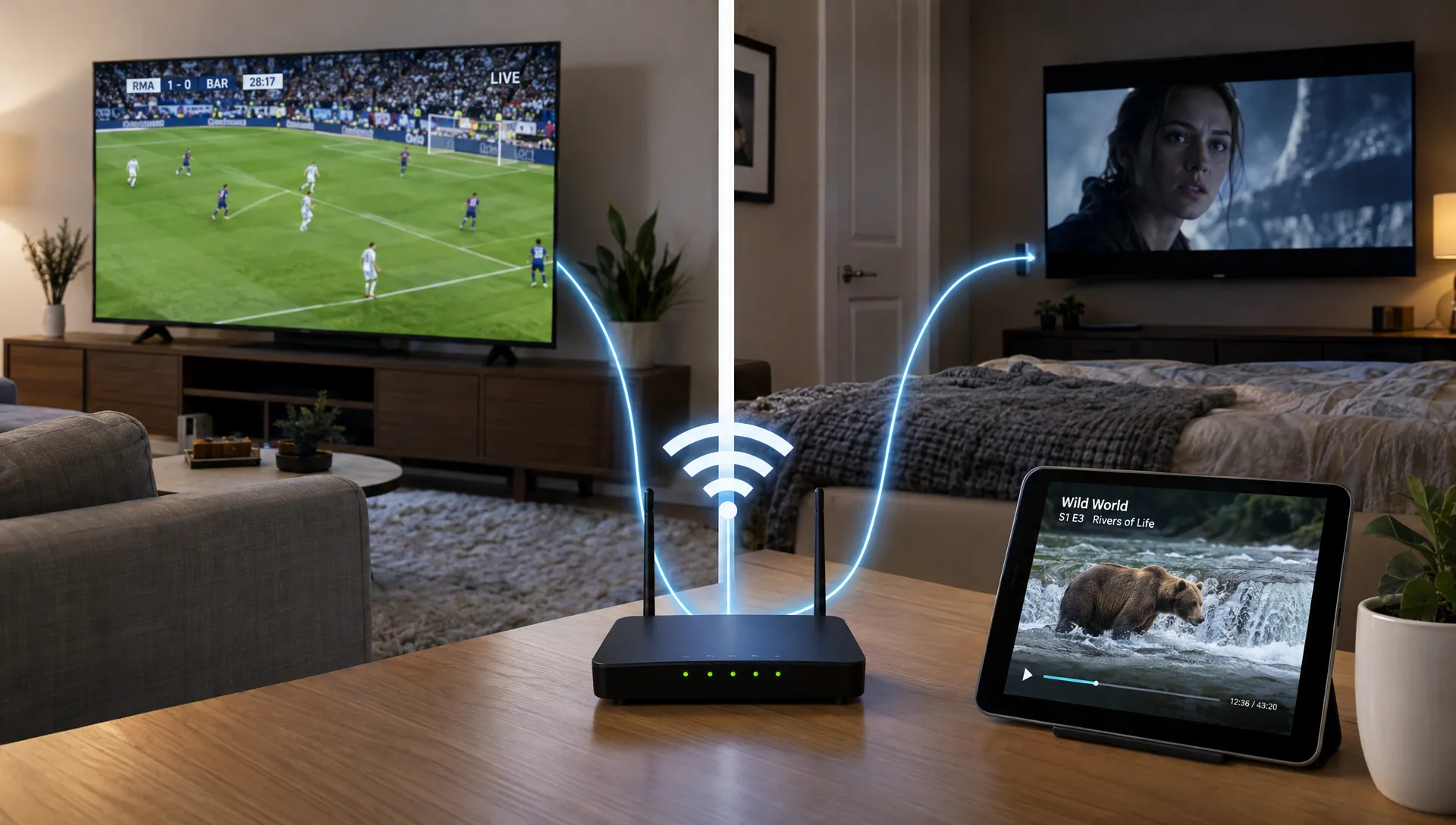
Switching from a television to a tablet can briefly create overlapping sessions. The new device starts requesting video while the old player is still running or its session is waiting to expire.
If you are already at the subscription limit, that overlap may prevent the new device from starting. Use the app’s stop or exit function on the old device before opening playback on the new one. Turning off the television display alone may leave a connected streaming stick or box running.
Pause behavior also varies. A player might continue fetching buffered video, maintain its session without fetching more content or release the connection after inactivity. Do not assume that pausing frees a slot.
Some iptv providers also apply different rules to live television, video on demand, catch-up playback or recording. A cloud recording might not use a household playback connection, while a recorder fetching video locally may create another active request. Confirm the rules for the features you use.
If a slot remains occupied after everything has stopped, ask support to check the account’s active sessions and explain the reset process.
Separate subscription conflicts from network problems
Different failures call for different fixes. Start by observing whether the extra screen is refused immediately or starts successfully and then struggles.
| Symptom | Possible cause | Useful first check |
|---|---|---|
| Another screen receives a connection-limit message | Account allowance reached or an inactive session remains registered | Stop other players and confirm the subscription’s connection count |
| All screens buffer when another stream starts | Shared bandwidth or router capacity is insufficient | Reduce video quality and pause large downloads |
| One room buffers while another plays normally | Weak Wi-Fi, interference or a device-specific issue | Test that device closer to the router or over Ethernet |
| One channel fails on several devices | Channel feed or delivery-path problem | Try unrelated channels without adding more sessions |
These are diagnostic clues, not proof. Two problems can occur together, such as weak bedroom Wi-Fi and a subscription already at its connection limit.
When contacting iptv providers, report the number of active screens, the exact error message, whether devices use Ethernet or Wi-Fi and whether the issue affects one channel or several. That is more actionable than reporting only that playback is unreliable.
Run a controlled household test
Start with one device playing normally, then add a second authorized stream. Add further devices only within the plan’s allowance. Keep other conditions as consistent as possible so the test answers a specific question.
If playback degrades across every screen, repeat the test at lower quality and with large downloads paused. If only one device struggles, test its connection separately. Where practical, use Ethernet to remove Wi-Fi uncertainty from at least one screen.
Record whether the failure occurs immediately, after several minutes or only during busy viewing periods. A repeatable pattern helps distinguish account enforcement from local congestion or provider-side capacity problems.
What to confirm before buying extra connections
An upgrade should address your household’s actual viewing pattern. Three people sharing two screens at different times do not need the same allowance as three people watching independently every evening.
Before paying, ask the provider to confirm the simultaneous-stream count, any registered-device limit and whether every stream must originate from the same household. Clarify whether live TV and on-demand playback share one allowance, how device switching works and what happens when the limit is reached.
Also establish whether extra connections belong to one account or require separate credentials. That affects setup and troubleshooting, even when the total permitted screen count is the same.
When comparing iptv providers, request these details in writing. Broad claims such as “works on all devices” describe compatibility, not unlimited concurrent viewing. Evaluate content authorization separately as well: a generous stream allowance does not establish that a service holds the rights to distribute its channels.
Frequently asked questions
Does watching the same channel on two TVs count as two streams? Usually, yes, when each television runs its own player over a separate internet connection to the service. Check the subscription terms rather than assuming identical content shares one slot.
Does pausing a program release a connection? Not necessarily. The app may maintain its session while paused. Stopping playback and exiting the player is a better first step when moving to another device.
Can faster internet increase my allowed screen count? No. Faster internet may improve playback across authorized screens, but the subscription’s simultaneous-stream allowance remains unchanged.
Do iptv providers allow a phone on cellular data alongside a home TV? Some do, while others restrict multiple locations or public IP addresses. Both the connection allowance and location policy must permit that combination.
Will switching everything to Ethernet prevent buffering? Ethernet can reduce local Wi-Fi problems, but it cannot resolve insufficient internet capacity, account restrictions or problems with the provider’s delivery network.
Confirm your household’s viewing allowance before subscribing
BuyIPTVfor4K offers IPTV subscriptions with streaming up to 4K, setup support and free installation help. Before choosing a plan, ask BuyIPTVfor4K to confirm the simultaneous connections included, the household-location rules and the process for switching devices. Match that allowance to your busiest viewing period, then check that your home network can support those streams together.