
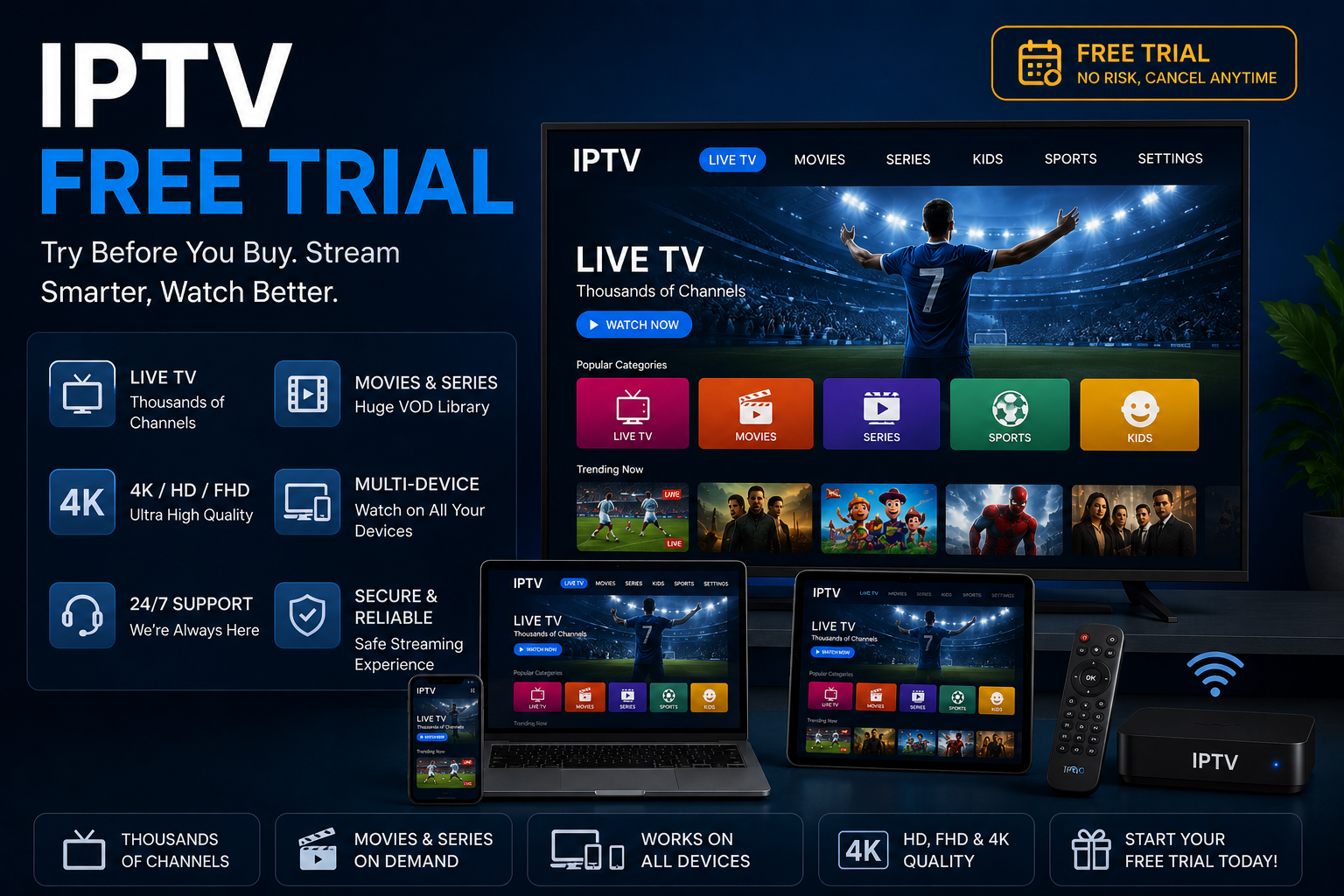
If you are searching for an IPTV free trial, you are probably looking for a simple way to test an internet television service before committing to a paid subscription.
A free trial can be useful because it gives you an opportunity to evaluate important factors such as streaming quality, device compatibility, channel availability, application performance, and customer support.
However, not every free IPTV trial works in the same way.
Some trials are completely free, while others may require payment information. Some may automatically convert into a paid subscription after the trial period, while others simply expire.
That is why it is important to understand exactly what an IPTV free trial includes before signing up.
In this guide, we explain how IPTV free trials work, what to check during a trial, how to evaluate 4K streaming, which devices may be supported, and what subscription terms you should review.
What Is an IPTV Free Trial?
An IPTV free trial is a limited period during which a provider allows a potential customer to test an IPTV service before purchasing a longer subscription.
IPTV stands for Internet Protocol Television, referring to television and multimedia services delivered through IP-based networks. The International Telecommunication Union (ITU) describes IPTV as multimedia services delivered over managed IP-based networks with requirements around quality, security, reliability, and user experience.
A free trial can therefore be thought of as a testing period rather than a separate type of IPTV technology.
Depending on the provider, a trial might allow you to evaluate:
- Live TV
- Video on demand
- Movies and series
- Electronic Program Guide (EPG)
- HD streaming
- Full HD streaming
- 4K content
- Smart TV compatibility
- Fire TV compatibility
- Android compatibility
- iPhone and iPad compatibility
- Customer support
- Application performance
The exact features depend on the individual service.
Why Do IPTV Providers Offer Free Trials?
A free trial can benefit both customers and providers.
For customers, the main advantage is the ability to test a service before making a longer-term commitment.
For providers, a trial can demonstrate the quality of their platform and help potential customers understand how the service works.
A good trial should give you enough information to answer practical questions such as:
Does it work on my device?
Is the picture quality acceptable?
Does the service provide the content I am interested in?
Is the connection stable?
Are the subscription terms clear?
These questions are more important than simply counting the number of advertised channels.
What Should You Test During an IPTV Free Trial?
If you receive an IPTV free trial, do not immediately judge the service based on one channel.
Use the trial as a structured test.
1. Test Different Channels
Try several types of content instead of watching only one channel.
For example:
- News
- Entertainment
- Documentary
- Sports
- Movies
- International channels
This can help you determine whether the overall experience is consistent.
2. Test Different Times
Network conditions and service performance can vary.
Try the service at different times of the day.
A service that works well in the afternoon may behave differently during periods of heavier traffic.
3. Test Your Main Device
If your primary viewing device is a Smart TV, test the service on that television rather than assuming that performance on a smartphone will be identical.
Similarly, if you plan to use Fire TV, Android TV, Apple TV, or another streaming device, verify compatibility with your actual setup.
IPTV Free Trial and 4K Streaming
For users interested in 4K IPTV, a trial can be particularly useful.
However, seeing a “4K” label does not automatically prove that the underlying source is native 4K.
A genuine 4K viewing experience depends on several factors:
- 4K content source
- 4K-compatible display
- Compatible device
- Compatible application
- Sufficient network bandwidth
- Stable connection
A 4K television can display lower-resolution video, but that does not transform the original source into native 4K.
Before evaluating a provider’s 4K performance, make sure your own equipment is capable of displaying the required resolution.
For more information about 4K IPTV, see:
Real 4K IPTV: How to Get It, Verify It, and Keep It Stable
What Internet Speed Is Needed for an IPTV Free Trial?
Your internet connection can significantly affect the results of an IPTV trial.
As a general guideline, higher video resolutions require more bandwidth.
| Quality | General Starting Point |
|---|---|
| SD | 5 Mbps+ |
| HD | 10 Mbps+ |
| Full HD | 15 Mbps+ |
| 4K | 25 Mbps+ |
These are only general guidelines.
Actual performance can also depend on:
- Wi-Fi signal strength
- Router performance
- Network congestion
- Number of connected devices
- Video bitrate
- Streaming device
- Application
- Content source
For example, a household with several people using video calls, gaming services, downloads, and streaming simultaneously may experience problems even with a relatively fast internet package.
You can learn more in our guide:
Internet Speed for IPTV Streaming
Which Devices Can Work With an IPTV Free Trial?
Device compatibility depends on the provider and the application it supports.
Common platforms may include:
Smart TV
Many internet television services are designed to work with compatible Smart TV applications.
Check the operating system and supported application before subscribing.
Fire TV
Fire TV can provide a convenient way to access compatible IPTV applications.
Always check the current application and platform requirements before installation.
Android
Compatible IPTV applications may work on:
- Android phones
- Android tablets
- Android TV
- Compatible streaming devices
iPhone and iPad
Some IPTV applications support iOS and iPadOS.
If you plan to use an iPhone, check whether the specific application supports the current version of the operating system.
Apple TV
Apple TV compatibility varies between applications and services.
An application that works on iPhone does not necessarily provide identical functionality on Apple TV.
PC and Mac
Some services provide browser-based access or support compatible media players.
Always check the provider’s current compatibility information.
What Should You Check Before Starting an IPTV Free Trial?
Before entering your information, look at the terms of the trial.
Pay particular attention to:
- Trial duration
- Price after the trial
- Automatic renewal
- Cancellation procedure
- Refund policy
- Payment requirements
- Number of simultaneous connections
- Supported devices
- Available content
- Customer support
This is particularly important when a trial requires payment information.
The U.S. Federal Trade Commission advises consumers to understand whether a free trial will automatically turn into a paid subscription and to make sure they know how cancellation works.
For UK-facing offers, the Advertising Standards Authority’s guidance also emphasizes that significant information about ongoing payments must be made clear when a free trial converts into a subscription.
Does an IPTV Free Trial Require a Credit Card?
Not necessarily.
Different services use different trial models.
A trial may be:
No Payment Required
You receive temporary access without entering payment information.
This can be straightforward because there is no automatic billing attached to the trial.
Payment Information Required
Some services may ask for payment information before starting a trial.
If this happens, carefully check whether the subscription will automatically renew after the trial period.
Do not rely solely on the word “free.”
Read the complete offer terms.
How to Avoid Unexpected Charges After an IPTV Trial
One of the most important parts of a free trial is understanding what happens when the trial ends.
Before signing up, answer these questions:
When does the trial expire?
What happens after expiration?
Will I automatically become a paying customer?
How much will I be charged?
How frequently will I be charged?
How do I cancel?
Is cancellation available online?
Is there a refund policy?
The FTC recommends reading the terms carefully and making sure cancellation procedures are clear before providing payment information.
Is an IPTV Free Trial Safe?
A free trial can be useful, but you should still evaluate the provider carefully.
Look for:
- Clear company information
- A real contact method
- Privacy policy
- Terms and conditions
- Refund policy
- Transparent pricing
- Secure payment processing
- Clear subscription terms
- Information about content rights
Be cautious when a website provides very little information about who operates the service.
You should also avoid entering sensitive information into websites that appear suspicious or lack basic security and contact information.
Is IPTV Legal?
IPTV is a technology for delivering television and multimedia content through IP networks. The legality of a specific service depends on factors such as the content being distributed, the provider’s rights, and the applicable laws.
The ITU definition of IPTV is technological rather than a blanket statement that every IPTV service is authorized.
Therefore, when evaluating an IPTV provider, do not assume that every channel or program offered through an IPTV platform is automatically authorized.
Look for transparency about the provider and the content it distributes.
IPTV Free Trial vs Paid Subscription
A trial and a paid subscription serve different purposes.
| IPTV Free Trial | Paid IPTV Subscription |
|---|---|
| Short testing period | Longer access |
| Useful for evaluating performance | Intended for regular viewing |
| May have limited features | Usually follows the selected plan |
| Often used before purchasing | Requires payment |
| Helps test compatibility | Provides ongoing service |
The best approach is to use the trial to evaluate the service rather than treating the trial as proof that the long-term subscription will always perform identically.
What Makes a Good IPTV Free Trial?
A useful trial should allow you to evaluate the most important aspects of the service.
Ideally, you should be able to assess:
Streaming Stability
Does the service play smoothly under normal conditions?
Picture Quality
Does the available resolution match your expectations?
Device Compatibility
Does it work properly on the device you actually plan to use?
Content
Does the available programming match your needs?
Application Experience
Is the application easy to navigate?
Customer Support
Can you get clear answers when you have a technical question?
Subscription Transparency
Are the price, renewal terms, and cancellation process easy to understand?
Common Problems During an IPTV Free Trial
Even a legitimate service can experience technical problems.
Buffering
Buffering can result from:
- Weak Wi-Fi
- Network congestion
- Router limitations
- Device performance
- Application problems
- Content-source issues
Try testing your internet connection and, where possible, compare Wi-Fi performance with a wired connection.
Poor Picture Quality
Check:
- Original source resolution
- Device capabilities
- Application settings
- Internet performance
A 4K display does not automatically mean that every source is native 4K.
Login Problems
Double-check:
- Username
- Password
- Subscription status
- Server information
- Application configuration
Application Problems
Different IPTV applications support different formats and platforms.
Confirm that the application is compatible with your device and the service’s login method.
How to Test an IPTV Free Trial Properly
Instead of simply watching one channel for five minutes, use a simple checklist.
Step 1: Test Your Internet
Check whether your connection is stable.
Step 2: Test Your Main Device
Use the Smart TV, Fire TV, Android device, iPhone, Apple TV, PC, or Mac that you actually plan to use.
Step 3: Test Different Content
Try several categories.
Step 4: Test Different Resolutions
If 4K is advertised, check whether your device and connection can actually reproduce the expected quality.
Step 5: Check the EPG
If an Electronic Program Guide is included, see whether program information loads correctly.
Step 6: Review the Subscription Terms
Before upgrading, check:
- Price
- Duration
- Renewal
- Cancellation
- Refunds
- Connections
Step 7: Evaluate Support
Ask a normal technical question and see whether you receive a useful response.
IPTV Free Trial Checklist
Use this checklist before choosing a provider:
| Factor | What to Check |
|---|---|
| Trial duration | How long is access available? |
| Price | What happens after the trial? |
| Renewal | Is automatic renewal enabled? |
| Cancellation | How do you cancel? |
| Refund | Is a refund policy available? |
| Device | Is your device supported? |
| Quality | What resolution is available? |
| 4K | Is genuine 4K content available? |
| Stability | Is playback consistent? |
| Content | Is the programming authorized and relevant? |
| Support | Is customer support available? |
| Security | Is payment information handled securely? |
Questions to Ask Before Choosing an IPTV Free Trial
If you are contacting a provider, these questions can help:
- How long does the free trial last?
- Is payment information required?
- Does the trial automatically convert to a paid subscription?
- What is the price after the trial?
- How can the subscription be cancelled?
- Which devices are supported?
- Is 4K content available?
- How many simultaneous connections are permitted?
- Is an EPG included?
- What is the refund policy?
- Where can I find the terms and conditions?
- What information is available about content authorization?
A provider that answers these questions clearly is easier to evaluate than one that only advertises a large channel count.
IPTV Free Trial: What Should You Look For?
When comparing different trials, avoid judging them solely by price.
A better evaluation includes:
Reliability + compatibility + content + picture quality + transparency + support
A low-cost trial is not necessarily a good choice if the service does not work with your device.
Likewise, a large advertised channel count does not necessarily mean that the service provides the channels or quality you actually want.
Frequently Asked Questions About IPTV Free Trials
What is an IPTV free trial?
An IPTV free trial is a temporary opportunity to test an internet television service before deciding whether to purchase a subscription.
Are IPTV free trials really free?
Some are, while others may require payment information or convert automatically into a paid subscription. Always check the terms before signing up.
How long does an IPTV free trial last?
There is no universal duration. Trial periods vary by provider and promotional offer.
Can I test IPTV on Smart TV during a free trial?
If the provider supports your Smart TV platform and application, you can generally use the trial to evaluate compatibility.
Can I test 4K IPTV with a free trial?
If the provider offers compatible 4K content and your device, display, application, and internet connection support it, a trial can be useful for evaluating 4K performance.
Does an IPTV free trial require a credit card?
Not always. Some trials require no payment information, while others may request it.
Can an IPTV free trial automatically become a paid subscription?
Yes, depending on the provider’s terms. This is why you should check the renewal conditions before entering payment information.
Is IPTV legal?
IPTV is a technology for delivering television over IP networks. The legality of a particular service depends on its content rights and applicable laws.
What should I test during an IPTV free trial?
Test streaming stability, device compatibility, picture quality, available content, application performance, customer support, and the subscription terms.
Final Thoughts: Is an IPTV Free Trial Worth Trying?
An IPTV free trial can be a useful way to evaluate an internet television service before committing to a longer subscription.
The key is to use the trial as a genuine evaluation period.
Test the service on your main device, check the streaming quality, evaluate the available content, test the application, and verify whether 4K is actually supported when advertised.
Most importantly, read the subscription terms carefully.
Make sure you understand the trial duration, price after the trial, automatic renewal, cancellation process, and refund policy before providing payment information.
If you are exploring IPTV and 4K streaming, continue reading the guides available on BuyIPTVfor4K for more information about device compatibility, streaming quality, internet requirements, and IPTV technology.
Sources & Further Reading
For authoritative background information about IPTV technology and consumer protection around free trials and subscriptions:
- International Telecommunication Union — IPTV terminology and recommendations
- Federal Trade Commission — Free Trials and Automatic Renewals
- UK Advertising Standards Authority — Subscription Offers and Free Trials
These sources are useful when evaluating how IPTV technology works and what consumers should understand before accepting subscription offers.