
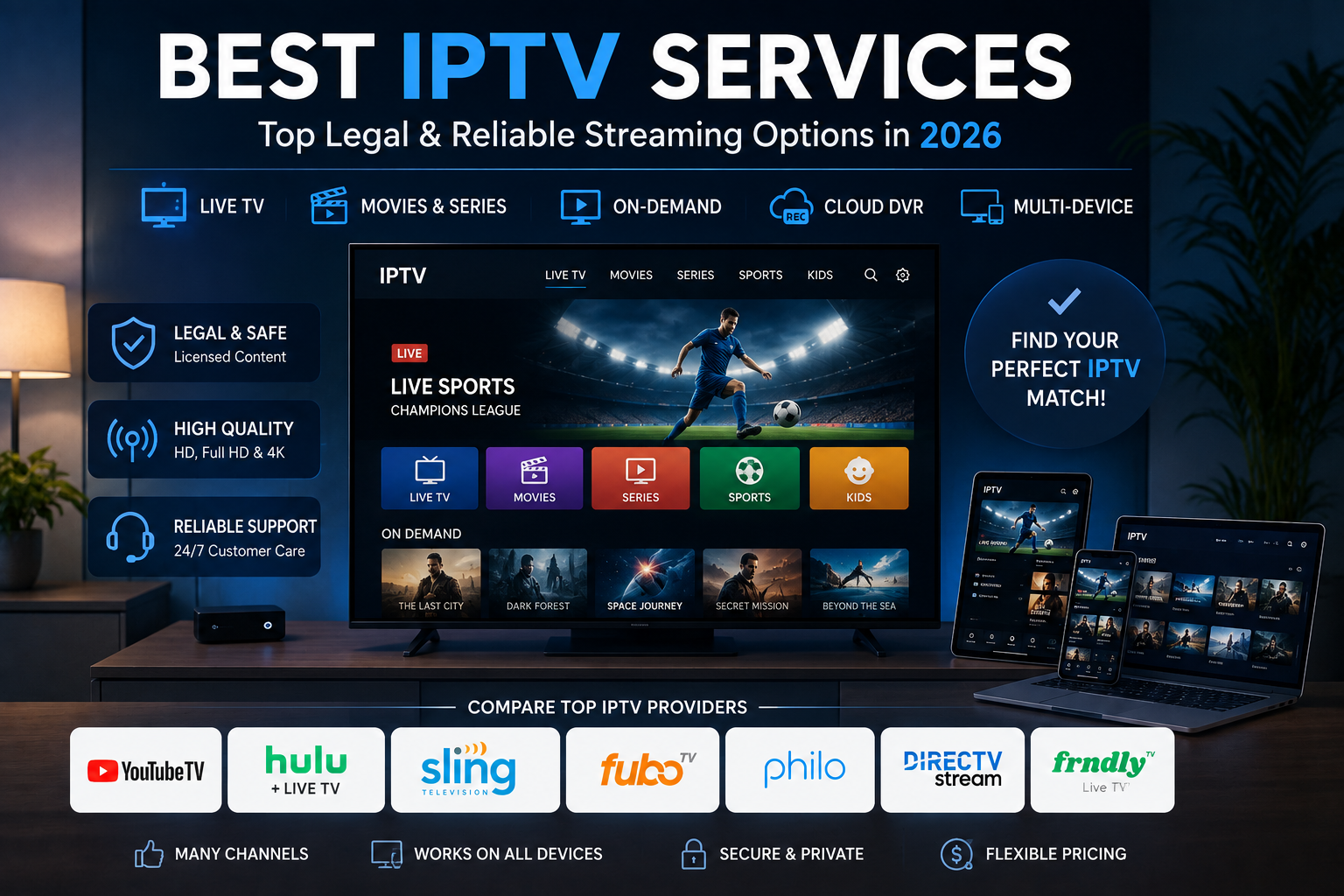
Best IPTV Service Archives – 2026 Guide
IPTV has moved from a niche term to a simple way to watch live channels, sports, news, movies, and on-demand shows without a cable box. If you found this from a best IPTV service Archives – page, this guide helps you compare legal IPTV options for 2026. The best IPTV service is not the one with the most channels on paper. It is the one that matches what you watch, works on your devices, and comes from a licensed provider.

What makes an IPTV service worth choosing in 2026?
A good IPTV service in 2026 should have licensed content, stable apps, clear pricing, a useful DVR or on-demand library, and broad device support. It should also be easy to cancel or change, because channel lineups, sports rights, and promos can shift fast.
If you have been browsing a best IPTV service Archives – page or searching for the best iptv provider, use the same rule each time: legal access first, then channel fit, then price.
That legal point matters. The FTC warns that illegal streaming apps and add-ons can expose devices to malware, and the FBI warns users to avoid devices that promise free sports, shows, and movies because they may hide malware or backdoors. (consumer.ftc.gov) A great iptv setup should not need shady apps, unknown payment methods, jailbroken hardware, or a VPN just to hide the source.
Here is a simple checklist before you subscribe:
- Make sure your must-have local channels are in your ZIP code.
- Check whether regional sports networks are included or need an add-on.
- Review DVR limits, stream limits, and sharing rules.
- Test the app on your main TV, not only on your phone.
- Compare the real monthly price, not just the intro deal.
- Skip deals that promise thousands of premium channels for too low a price.
The top 10 IPTV services for 2026
The picks below are for U.S. viewers who want legal live TV or IPTV-style streaming. Some are full cable replacements. Others are free ad-supported streaming TV services. The best iptv choice for you may be a paid service for live sports plus free apps for background channels and movies.
1. YouTube TV: best overall IPTV-style live TV service
YouTube TV is one of the most balanced picks for viewers who want a cable-like lineup without cable gear. Its main plan lists 100+ channels, up to six household accounts, and a familiar app across major devices. The main plan costs $82.99 per month, and it also has add-ons and genre plans. (tv.youtube.com)
Choose YouTube TV if you want a strong mix of local networks, news, sports, entertainment, and cloud viewing. It works well for homes where different people watch different things because profiles help keep recommendations and libraries tidy. The main downside is cost.
2. Hulu + Live TV: best IPTV service for bundled entertainment
Hulu + Live TV is a strong pick when live channels are only part of what you want. Plans start at $89.99 per month and include 100+ live channels, unlimited DVR, and access to Disney+, Hulu, and ESPN+ depending on the bundle. (hulu.com)
It is a good fit for families who want live TV, next-day shows, originals, movies, kids’ shows, and ESPN in one place. If you already pay for Disney+, Hulu, or ESPN+, compare your current bundle before you switch.
3. Sling TV: best IPTV provider for flexible budgets
Sling TV is built for flexibility. Instead of one big bundle, it offers base plans and themed Extras, so you can start small and add sports, news, family, or entertainment. Sling’s own pages show how to build a lineup that fits your needs. (sling.com)
Sling is useful if you want to keep costs down and do not need every local station in the app. It also works well if you know the exact channels you want. The tradeoff is that custom setup takes attention: add too many Extras and the bill can climb, so review your package every few months.
4. Fubo: best IPTV option for sports-heavy households
Fubo is best known as a sports-first live TV service, though it also includes entertainment, news, and lifestyle channels. It has adjusted prices and plan lines, and it gives users tools to check channel lists and plan options. (support.fubo.tv)
Fubo is worth a close look if sports are why you want to drop cable. It is often a top rated iptv choice for live games, sports networks, and a modern streaming app. Before you subscribe, check local channels, regional sports, and league add-ons because coverage can change by area and rights.
5. DIRECTV: best for a traditional channel-bundle feel
DIRECTV streaming is for viewers who like traditional TV package structure but want to stream without satellite install. DIRECTV offers satellite-free bundles across sports, news, entertainment, and more, and its package pages note that price and access can change by plan and offer. (directv.com)
This is a good fit for people who want a familiar guide, familiar network bundles, and a premium TV feel. It can also help homes that are moving from satellite or cable and do not want a new way to watch. The main caution is price details: read the terms, promo period, device needs, and renewal price before you sign up.
6. Philo: best value for entertainment channels
Philo is a low-cost live TV service focused on entertainment, lifestyle, and general-interest channels rather than sports and big local networks. Its Essential plan is $25 per month and includes 70+ channels, 100+ ad-supported free channels, and a free trial. (help.philo.com)
Philo is ideal for viewers who watch reality TV, lifestyle shows, classic TV, docs, and entertainment networks but do not want to pay for costly sports rights. It is not a full replacement if you need live sports or every local broadcast station. Pairing Philo with an antenna and one or two free streaming apps can be a smart low-cost setup.
7. Frndly TV: best for feel-good, family-friendly channels
Frndly TV has a narrow, comfort-viewing lineup. Its help page lists three plans, and all plans include the same 50+ live channels and on-demand library. Higher tiers add HD, more streams, and longer DVR storage. (help.frndlytv.com)
This service works well for viewers who mainly want Hallmark-style movies, classic TV, family shows, weather, and light entertainment. It is not trying to be a full cable replacement, and that is part of the appeal. If your home watches a smaller set of cozy channels each week, Frndly TV may offer more value than a much larger package.
8. Tubi: best free legal IPTV-style app for movies and live channels
Tubi is a free, legal, ad-supported streaming service with movies, TV shows, and live TV sections. Its help center says the service is free and legal, and the live TV area includes news, sports, classic TV, comedy, docs, reality, movies, local news, weather, and Spanish-language content. (tubitv.com)
Tubi is not a paid cable replacement, but it is one of the easiest ways to add free live channels and on-demand entertainment to your setup. It works well for casual viewing, movie nights, background channels, and viewers who do not care about live premium sports. Because it is ad-supported, expect breaks and changing availability.
9. Pluto TV: best free IPTV service for channel surfing
Pluto TV is one of the best-known free ad-supported live TV platforms. Its live TV page promotes free streaming on many devices, with curated live channels for movies, popular shows, live events, kids’ programming, and more. (pluto.tv)
Pluto TV feels closest to old-school channel surfing because you can open the guide and start watching right away. It is a strong companion to a paid service, especially if you like themed channels, classic shows, news, and lean-back viewing. The limit is control: you do not get the same live network coverage, DVR tools, or premium sports depth as with a paid service.
10. The Roku Channel: best free IPTV hub for Roku users
The Roku Channel is a natural pick if your home already uses Roku devices or Roku TVs. Roku says users can access 500+ free live TV channels through The Roku Channel, including news, weather, sports, food, home, reality, kids’ entertainment, and more. (roku.com)
The biggest advantage is convenience. Roku turns free live channels into a guide-like experience, and Roku TV owners can also bring over-the-air antenna channels into the Live TV Channel Guide. (support.roku.com) If you want free live TV without installing many separate apps, The Roku Channel is one of the cleanest starting points.
Paid IPTV vs free IPTV services
Paid IPTV-style services are best when you need specific live channels, local broadcasts, live sports, DVR, and a steady lineup. Free ad-supported streaming TV services are best when you want no-cost entertainment, news clips, themed channels, movies, and casual live viewing.
Most homes get the best result by mixing one paid service with two or three free apps.
- Sports-first home: Fubo or YouTube TV, plus Tubi or Pluto TV for free movies.
- Family entertainment home: Hulu + Live TV, plus The Roku Channel for free channels.
- Budget home: Philo or Frndly TV, plus an antenna for local stations.
- Casual viewer: Tubi, Pluto TV, and The Roku Channel without paid live TV.
- Traditional TV viewer: DIRECTV streaming package with a familiar guide and broad bundles.
The best iptv provider is the one that matches your habits. If you only watch five channels, a big bundle may be wasteful. If you watch live sports every week, a cheap entertainment-only service may let you down.
What is the best IPTV player or device setup?
The best IPTV player is usually the official app from the legal service you pay for, installed on a reliable streaming device. Third-party playlist players can help with legit streams, but they should not be used for pirated channels or unknown paid playlists. For most people, the best iptv player is the one that keeps the service stable, easy to use, and simple for the whole home.
When choosing the best iptv box or streaming device, focus on app support rather than hype. Roku devices are great for free live TV because Roku includes The Roku Channel and supports a big app lineup. Apple TV, Amazon Fire TV, Google TV, game consoles, and many smart TVs can also work well, depending on the services you use.
Before buying a device, check these basics:
- Does it support your top two paid services?
- Does it have enough storage for the apps you use?
- Is the remote easy for everyone at home?
- Does it support the picture quality your TV can show?
- Are updates handled through an official app store?
- Can you use parental controls if kids watch there?
Avoid fully loaded boxes that promise every premium channel for free. Those offers often rely on unauthorized apps, unstable streams, and security risks. The safer path is plain but better: official apps, known providers, and clear billing.
How to choose the best IPTV service for your home
Start with your must-have channels, not the provider’s marketing. Write down the channels, sports leagues, local stations, and shows you would really miss. Then compare only the services that cover those needs, because best iptv means little if your favorite channel is missing.
Next, test the service during a normal week. Watch at peak evening hours, try a live sports event if that matters to you, test DVR playback, and switch between devices. A service can look great on paper and still feel wrong if the app is clumsy on your main TV.
Finally, review your subscriptions every few months. IPTV and live TV streaming are flexible, so use that. Cancel seasonal sports add-ons when the season ends, rotate movie services, and keep free apps installed for casual viewing.
Final takeaway
The best IPTV service for 2026 is legal, reliable, and matched to your viewing habits. YouTube TV is the strong all-around pick for many homes, Hulu + Live TV is great for bundled entertainment, Sling is flexible, Fubo shines for sports, and DIRECTV gives a familiar premium-TV feel. Philo and Frndly TV are smart budget picks, while Tubi, Pluto TV, and The Roku Channel make free IPTV-style viewing easy.
If you want the simplest path, choose one paid service for the channels you cannot skip and add one or two free services for extra variety. That mix usually gives better value than chasing a suspicious provider with too-good-to-be-true promises.
Q&A
Question: Is IPTV legal in the United States?
Short answer: IPTV itself is legal when the provider has rights to stream the channels, movies, shows, or live sports it offers. This guide focuses on licensed mainstream services such as YouTube TV, Hulu + Live TV, Sling TV, Fubo, DIRECTV, Philo, Frndly TV, Tubi, Pluto TV, and The Roku Channel. The risk comes from unauthorized apps, unknown paid playlists, jailbroken devices, or fully loaded boxes that promise premium content for free or at too low a price.
Question: Which IPTV service is best if I mainly watch sports?
Short answer: Fubo is the strongest pick for sports-heavy homes, while YouTube TV is also a strong all-around choice with sports, local networks, news, and entertainment. Before you subscribe, check your ZIP code, regional sports networks, local channels, and any league add-ons because sports rights and availability can change by area.
Question: Can free IPTV-style services replace a paid live TV subscription?
Short answer: Free services such as Tubi, Pluto TV, and The Roku Channel can be excellent for movies, casual viewing, themed channels, news, and background entertainment, but they usually do not replace paid live TV for viewers who need specific local stations, live sports, DVR features, or a cable-like lineup. Many homes get better value by combining one paid service for must-have channels with one or two free apps for extra variety.
Question: What should I check before choosing an IPTV service?
Short answer: Start with the channels, local stations, sports leagues, and shows you actually watch. Then confirm availability in your ZIP code, review DVR limits and simultaneous streams, test the app on your main TV device, compare the real monthly price instead of only the intro deal, and avoid providers that advertise huge premium lineups for too low prices.