
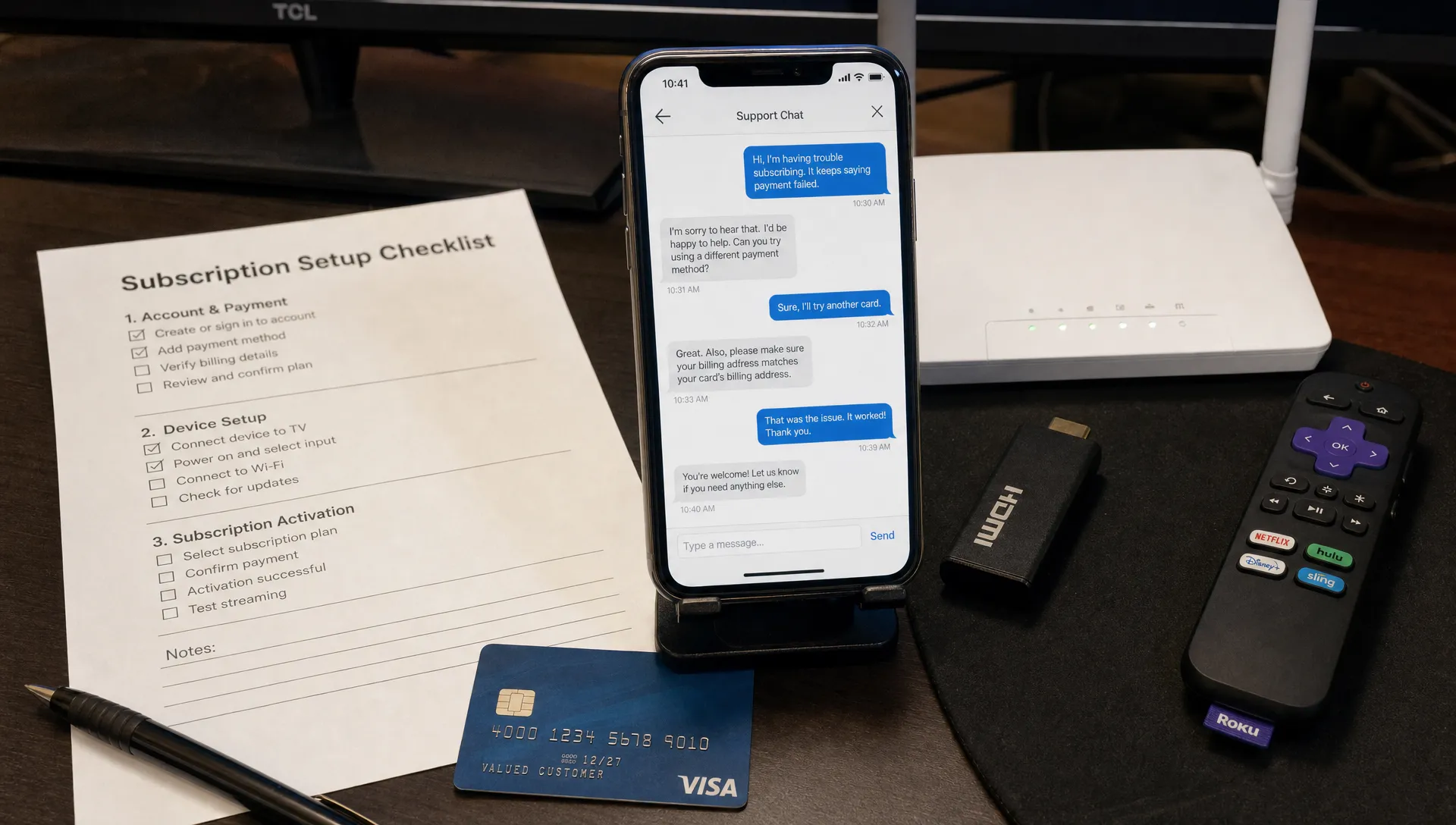
Choosing where to buy IPTV should feel less like a gamble. Before you enter your card details, a trustworthy IPTV website should give you clear answers about plans, supported devices, streaming quality, policies and support. The goal is not to find the flashiest homepage, but to confirm that the provider can deliver what it promises after you subscribe.
IPTV services can look similar at first glance. Many advertise thousands of channels, movies, sports and 4K streams, but the quality behind those claims varies widely. Some services are organized, responsive and transparent. Others hide basic information, overpromise on channel access or disappear when a setup problem appears.
Why trust signals matter before you pay
The safest way to approach any IPTV website is to verify practical evidence before you subscribe. A polished design is useful, but it does not prove that streams are stable, support is active or policies are fair. You need to look at how the provider explains its service, how it handles payments and whether it gives you a realistic picture of compatibility.
This matters even more in 2026 because viewers often use IPTV across several devices: Smart TVs, Fire TV Stick, Android boxes, iPhones, tablets and desktop apps. A weak provider may work on one device and fail on another. A reliable provider should explain what works, what apps are required and what kind of internet connection you need for HD or 4K.
What a trustworthy IPTV website should show upfront
A trustworthy IPTV website should not make you dig for basic subscription information. If the plan page only pushes you toward checkout without explaining what is included, that is a reason to slow down. Clear providers usually explain their service scope, plan duration, device compatibility, setup process and support channels before asking for payment.
Use this table as a quick first screen:
| Trust signal | What to look for | Why it matters |
|---|---|---|
| Clear plan details | Subscription length, supported quality and number of connections | Prevents confusion after purchase |
| Device guidance | Apps or devices supported, such as Smart TV, Fire TV or Android | Helps you know whether setup will work for you |
| Support visibility | Contact options, response expectations and setup help | Reduces risk if installation fails |
| Policy pages | Refund, privacy and terms pages written in plain language | Shows the provider is not hiding conditions |
| Realistic claims | Specific performance language without impossible guarantees | Makes expectations easier to judge |
A good site also avoids burying important details in vague marketing. For example, if a provider promotes 4K streaming, it should also acknowledge that 4K depends on your device, internet speed, app and the source quality of a specific channel or VOD title.
Check content claims carefully
A reliable IPTV website should describe content access without sounding reckless. Be cautious with services that promise every premium channel, every pay-per-view event and every regional package for an unrealistically low price. Those claims can signal unstable access, poor support or content sourcing problems.
You do not need to become a legal expert before subscribing, but you should ask practical questions. Does the provider explain its channel categories? Does it separate live TV, sports, movies and VOD in a way that sounds organized? Does it avoid promising permanent access to channels that change frequently by region?
If you are comparing options in the USA, it can also help to review how a provider handles broader reliability factors like authorization, quality and transparency. The guide on choosing IPTV service providers covers those evaluation points in more detail.
Inspect payment safety and privacy
Before entering payment information, inspect whether the IPTV website treats privacy and checkout security seriously. The address should use HTTPS, policy pages should be accessible and the checkout should not pressure you into suspicious payment methods. A provider that accepts only irreversible payment methods and offers no policy details deserves extra scrutiny.
The U.S. Federal Trade Commission advises online shoppers to research sellers, review refund policies and use safer payment methods when buying online. Those same habits apply here because an IPTV subscription is still an online purchase with account access, support expectations and personal data involved.
Look for a privacy policy that explains what information is collected and how account details are handled. It does not need to be written like a legal textbook, but it should be visible and understandable. If a site asks for unnecessary personal information beyond what is needed to create and support your account, reconsider before buying.
Test support before subscribing
Support quality is one of the easiest signals to test. Send a simple question before you pay: ask whether your device is compatible, what app you should use or what internet speed is recommended for HD and 4K playback. A trustworthy IPTV website will usually respond with specific guidance rather than a generic sales message.
Pay attention to tone and clarity. If the answer ignores your actual question, pushes you to buy immediately or cannot explain basic setup steps, the same pattern may continue after payment. For first-time users, the IPTV subscription checklist is useful because it helps you prepare device, internet and content questions before contacting a provider.
Support is not only for emergencies. Good setup assistance can save time when installing an app, loading playlist details, activating an account or troubleshooting buffering. If support is advertised as 24/7, test whether someone is actually reachable in the channel the site promotes.
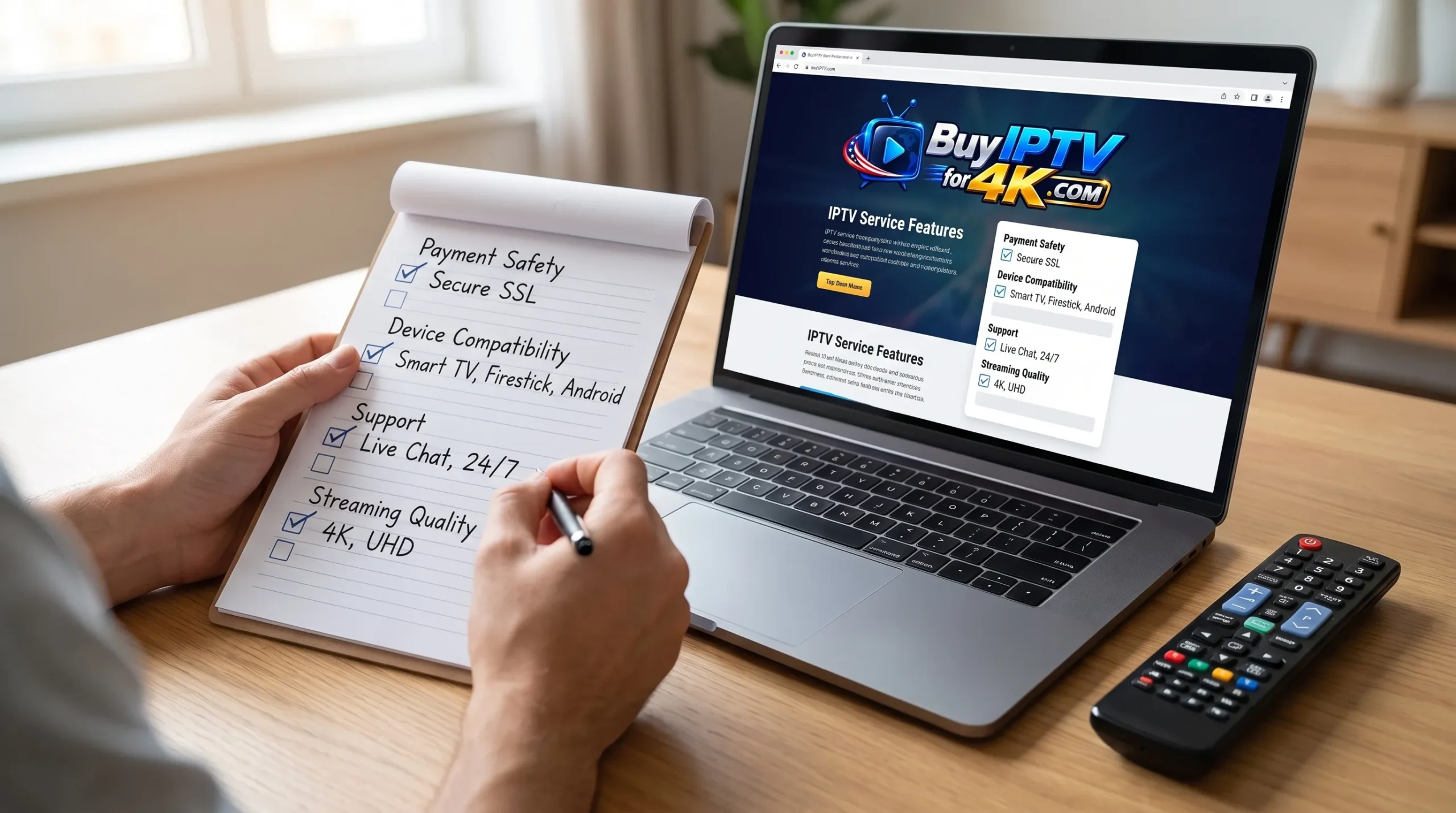
Evaluate technical claims with realistic expectations
A credible IPTV website will explain performance in a way that matches how streaming works. Terms like fast servers, anti-freezing technology and high uptime can be meaningful, but they should not be treated as magic. Your experience still depends on your home connection, Wi-Fi strength, device power, app stability and the provider's server capacity.
For 4K, bandwidth matters. The FCC's broadband guidance notes that higher-quality video requires stronger internet speeds, and in real households that speed may be shared across phones, laptops, gaming consoles and smart home devices. If your Wi-Fi is weak near the TV, even a good provider can look unreliable.
Here is how to read common technical claims:
| Claim on the site | Sensible interpretation | What to verify |
|---|---|---|
| 4K streaming | Some content may be available in 4K when your setup supports it | Ask which devices and apps are recommended |
| Anti-freezing technology | The provider uses systems meant to reduce buffering | Test during sports or peak viewing hours if possible |
| High uptime | Servers are expected to stay available most of the time | Check whether support responds when issues happen |
| Works on all devices | Broad compatibility, not necessarily identical setup everywhere | Confirm your exact device before subscribing |
| Huge VOD library | A large catalog may be available, but titles can change | Ask how VOD is organized and updated |
If you want a benchmark for what better services typically provide, compare the site's claims with this overview of what to expect from a premium IPTV service. It will help you separate useful features from empty buzzwords.
Red flags that should make you pause
If an IPTV website pushes urgency harder than information, slow down. Limited-time offers are common online, but pressure tactics should not replace plan details, policies or support answers. The same applies to sites that use copied text, broken pages or inconsistent contact information.
Watch for these warning signs:
- No visible refund, privacy or terms information
- No clear explanation of supported devices or setup steps
- Claims that sound impossible, such as guaranteed access to every event forever
- Checkout pages that do not use HTTPS
- Support that only replies with payment instructions
- No way to test a question before buying
- Prices that look far below the market without any explanation
One red flag may not prove a service is bad, but several together create unnecessary risk. Trustworthy providers tend to reduce uncertainty before checkout, not increase it.
Compare plans beyond the lowest price
The cheapest option is not always the best value. A low monthly price can become frustrating if channels buffer, VOD is disorganized or support is unavailable when you need help. Compare plans by matching them to your actual use: sports, movies, international channels, family viewing, 4K quality or use across multiple devices.
When reviewing an IPTV website, ask what you are really paying for. A strong subscription experience usually combines stable streams, clear setup instructions, broad compatibility and responsive assistance. If the plan includes live channels, VOD and sports, the site should make those categories easy to understand before you buy.
For households that watch major games or live events, reliability during peak times matters more than a giant channel count. For movie-focused viewers, VOD organization and playback quality may matter more. Your best choice depends on how you watch, not only on how many channels a homepage lists.
A simple pre-subscription checklist
Use this quick check before any IPTV website checkout. It takes only a few minutes and can prevent most common subscription mistakes.
| Question | Good sign | Caution sign |
|---|---|---|
| Can I find plan details easily? | Plans, duration and features are clear | Only a payment button is visible |
| Is my device supported? | The site names devices or gives setup help | Compatibility is vague |
| Can I contact support? | You receive a useful answer before paying | Replies are missing or generic |
| Are policies visible? | Refund and privacy pages are easy to find | Policies are absent or confusing |
| Are streaming claims realistic? | Quality depends on device and internet | Every stream is promised as perfect |
This process does not guarantee that every stream will always be perfect. It does help you avoid providers that fail basic transparency checks before they have your money.
Frequently Asked Questions
What is the fastest way to judge an IPTV website? Start with the basics: HTTPS checkout, visible policies, clear plan details, device compatibility and support that answers a real question before you subscribe.
Should I trust a site that promises thousands of channels and 4K? Large channel and VOD libraries can be legitimate service features, but the site should explain device requirements, setup steps and realistic quality expectations. Claims without details are weaker than clear guidance.
Is customer support important if setup looks simple? Yes. IPTV setup can vary by app, device and internet connection. Good support helps with installation, account activation, buffering questions and playback troubleshooting.
Can a trustworthy IPTV website still have occasional buffering? Yes. Buffering can come from home Wi-Fi, device limitations, peak-time congestion or app issues. The key is whether the provider gives practical guidance and responds when problems occur.
Choose with confidence before you stream
A trustworthy subscription starts with a provider that explains what you are buying, supports your device and gives you a clear path if setup does not go smoothly. If a site is transparent before payment, it is more likely to be helpful after payment.
BuyIPTVfor4K offers IPTV subscriptions with live channels, movies and sports streaming in SD through 4K quality, along with broad device compatibility, setup support, anti-freezing technology, flexible plans and 24/7 customer support for UK and USA viewers. You can review the service directly at BuyIPTVfor4K and compare its details against the checklist above before subscribing.
2 Replies to “How to Spot a Trustworthy IPTV Website Before You Subscribe”