
Choosing an IPTV subscription is not just about the biggest channel count or the lowest monthly price. When you compare IPTV streaming services, the biggest differences show up on the devices you use every day, the stability of your internet connection and the quality of help you get when something needs setup or troubleshooting.
That comparison matters because IPTV viewing is practical, not theoretical. A plan can look impressive on paper, but if the app is awkward on your Smart TV, your Wi-Fi cannot hold a 4K stream or support replies only after the game is over, the experience feels poor. This guide compares the factors that affect real viewing quality so you can choose with fewer surprises.
How IPTV streaming services differ across real viewing setups
Most buyers compare content first, then think about technical fit later. That order can lead to frustration. A better approach is to compare three layers together: device compatibility, speed requirements and support. If any one of those layers is weak, the rest of the service feels weaker too.
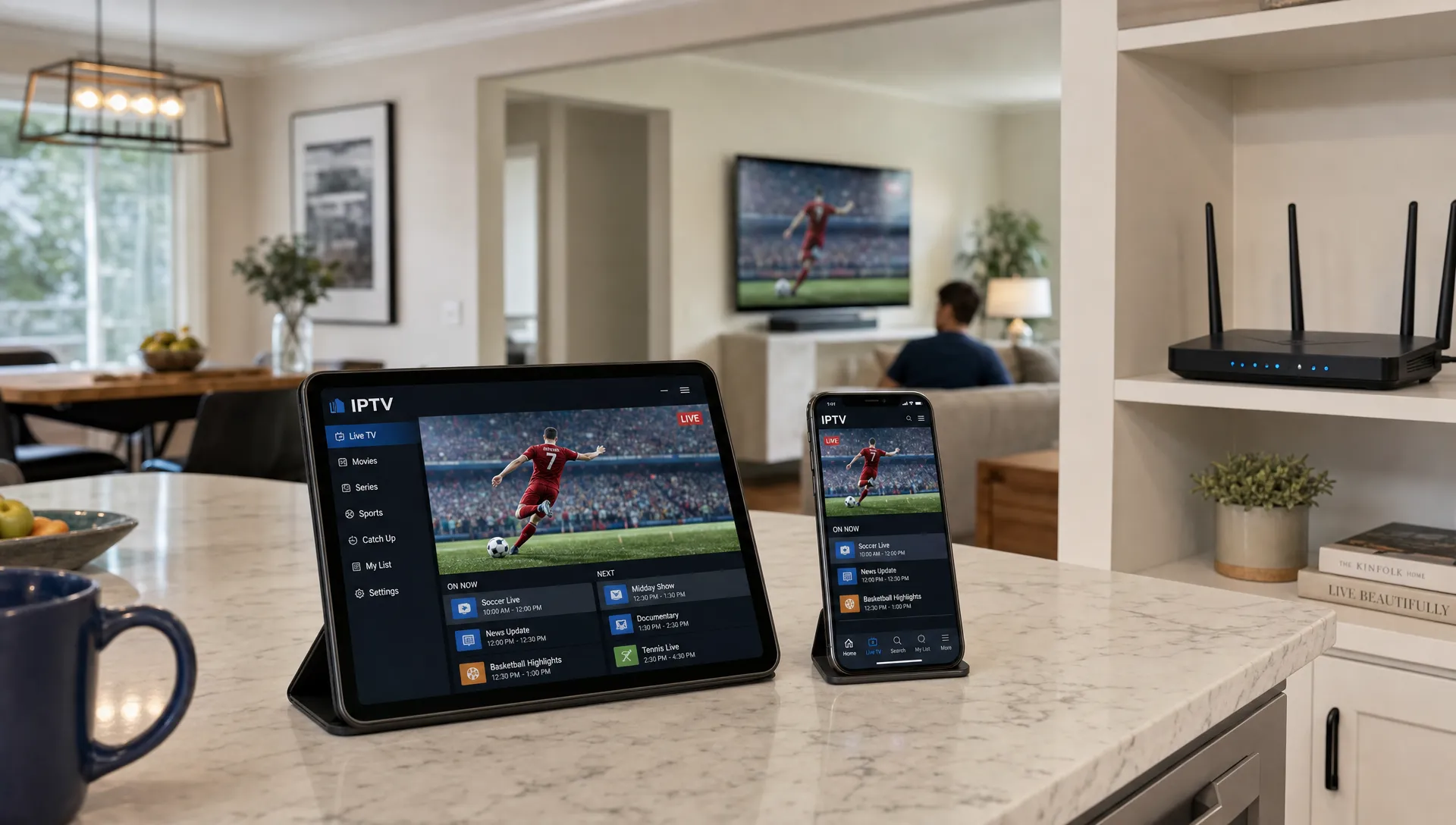
The strongest IPTV streaming services make those three layers easy to understand before checkout. They explain which devices are supported, what internet speed is recommended for HD or 4K, how many simultaneous connections are included and where to get help during installation. This is especially important for households using several screens, such as a living room TV, bedroom Fire TV Stick, tablet and phone.
| Comparison area | What to check | Why it affects viewing |
|---|---|---|
| Device support | Smart TVs, Fire TV, Android TV, Apple TV, mobile apps and IPTV players | Determines how easy the service is to install and use |
| Speed and stability | Minimum Mbps, Wi-Fi strength, server reliability and peak-time performance | Controls buffering, picture quality and channel loading |
| Customer support | Setup help, response hours, troubleshooting depth and renewal support | Reduces downtime when apps, playlists or logins need attention |
For a broader provider-selection view, this guide to choosing an IPTV provider in the USA covers additional factors such as pricing transparency and content authorization.
Device comparison: TVs, boxes, phones and multi-device homes
Device compatibility should be one of your first filters. For device-heavy households, IPTV streaming services should be judged by how well they work on the screens people actually use, not by a generic statement such as works everywhere.
Smart TVs
Smart TVs are convenient because they reduce hardware clutter. Many viewers want IPTV directly on Samsung, LG or Android-based televisions. The tradeoff is that app availability can vary by operating system and region. Some Smart TVs support common IPTV player apps, while others require side-loaded apps, casting or an external streaming device.
If you mainly watch on a Smart TV, ask whether the service provides setup instructions for your exact TV type. Also check whether the electronic program guide loads cleanly, because navigating thousands of channels without a stable guide becomes tedious.
Streaming sticks and TV boxes
Streaming sticks and boxes are often the most flexible option. Fire TV Stick, Android TV boxes and similar devices usually support a wider range of IPTV players than closed Smart TV platforms. They are also easy to replace or reset if an app becomes unstable.
Apple TV can work well too, but you should confirm which player apps are supported and whether setup instructions are available. If the provider gives installation help, the device you choose should be part of that support workflow.
Phones, tablets and laptops
Mobile access matters if you watch sports while traveling, test channels away from the TV or want a backup screen during peak hours. The best setup is one where mobile devices are treated as part of the viewing system, not an afterthought.
Browser-based viewing can be useful, but many IPTV users still rely on dedicated apps for better navigation and playlist handling. If you plan to use both a TV and mobile device, confirm whether that counts as one login, one device registration or one simultaneous connection.
Multiple screens and connection limits
Installing an IPTV app on several devices does not always mean you can watch on all of them at the same time. One plan may allow setup on many devices but only one active stream, while another may offer multiple simultaneous connections.
This distinction is easy to miss. If your household watches different content in different rooms, read the plan details carefully or review this guide to IPTV on multiple devices before subscribing.
Speed comparison: Mbps, Wi-Fi and server stability
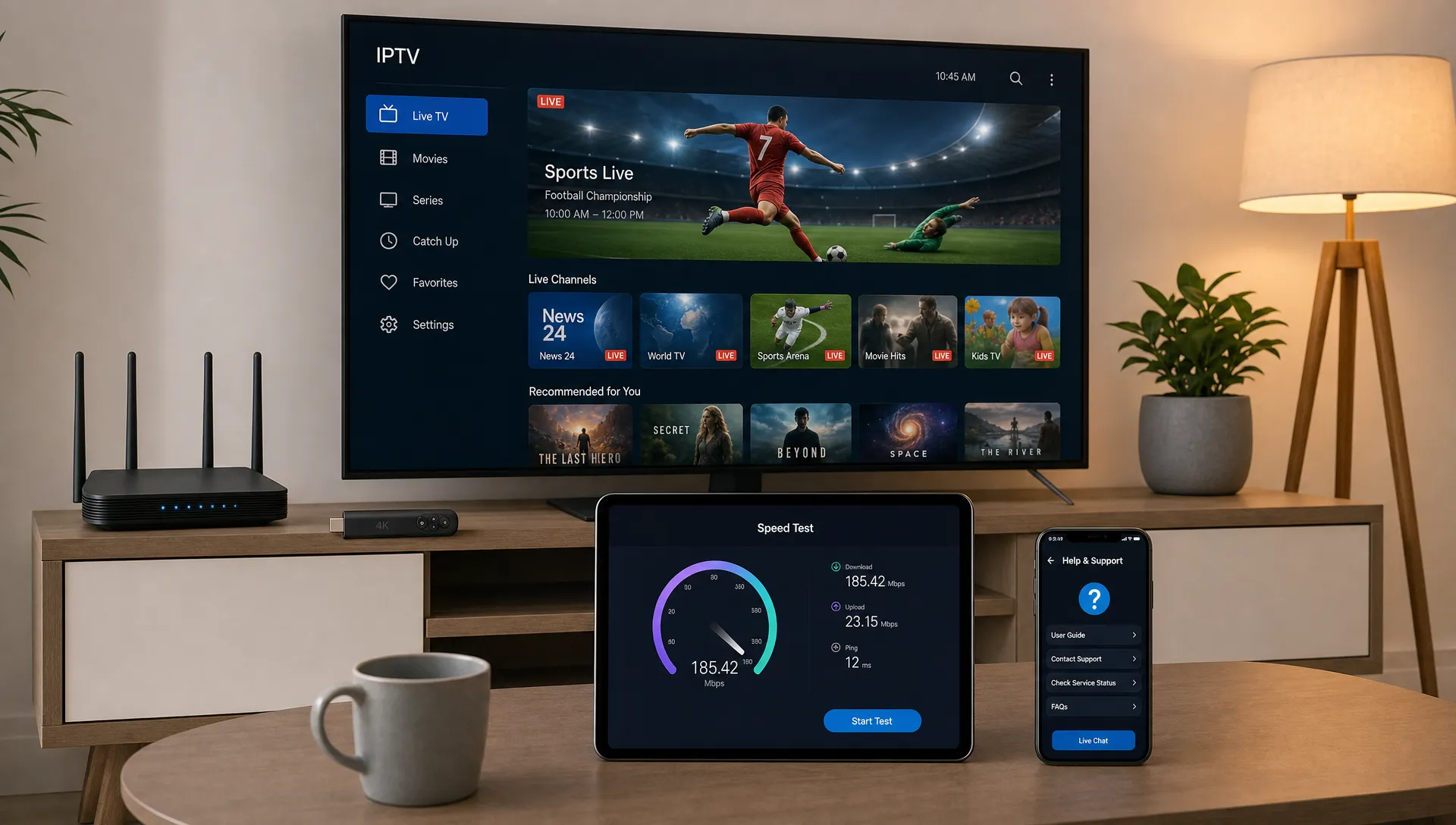
Speed is where IPTV streaming services often feel similar in marketing but different in daily use. A 4K label does not guarantee 4K viewing if your home network is unstable, your router is too far from the TV or the provider struggles during busy hours.
Internet speed benchmarks for HD and 4K
Exact requirements vary by compression, app, server routing and channel type. As a practical baseline, HD viewing is usually comfortable with a stable 10 Mbps connection per active stream, while 4K is better with 25 Mbps or more per active stream. Netflix lists 15 Mbps or higher for Ultra HD, but live IPTV streams can benefit from extra headroom because home Wi-Fi and server conditions fluctuate.
| Viewing quality | Practical minimum per active stream | Better target for stability |
|---|---|---|
| SD | 3 Mbps | 5 Mbps |
| HD 720p | 5 Mbps | 10 Mbps |
| Full HD 1080p | 10 Mbps | 15 Mbps |
| 4K | 25 Mbps | 35 Mbps or more |
The Federal Communications Commission also recommends checking speed needs by activity in its household broadband guide, which is useful when several people stream, game or work online at the same time.
Buffering is not always an internet-speed issue
A fast internet plan helps, but it does not solve every buffering problem. Wi-Fi congestion, old routers, overloaded devices, VPN routing, app cache problems and server-side issues can all interrupt playback.
Reliable IPTV streaming services usually reduce these problems with stable servers, optimized routing and clear troubleshooting instructions. BuyIPTVfor4K, for example, highlights anti-freezing technology and 99.9% server uptime as part of its service positioning, along with SD through 4K streaming options. Those claims are useful to compare, but your own setup still matters.
If possible, connect your main streaming device by Ethernet or use strong 5 GHz Wi-Fi close to the router. For 4K sports or live events, avoid testing only during quiet hours. Peak-time performance is the real stress test.
Support comparison: what good help looks like before and after signup
Support separates IPTV streaming services that work only when conditions are perfect from services that can help ordinary viewers get running quickly. This matters most for first-time users, families setting up several devices and viewers who switch between apps.
Good support starts before payment. You should be able to ask whether your device is compatible, whether setup help is included, what quality levels are available and how plan renewals work. If the answers are vague before purchase, they may not become clearer afterward.
After signup, support should help with practical issues such as installing an IPTV player, entering login details, loading an EPG, reducing buffering and moving service to a new device. BuyIPTVfor4K highlights 24/7 customer support and free installation help, which are valuable for viewers who do not want to troubleshoot alone.
Response quality matters more than response labels
A provider can advertise 24/7 support but still provide thin replies. Judge support by clarity, not just availability. Useful answers include exact app names, device-specific steps and realistic troubleshooting options. Weak answers repeat generic advice without asking about your device, internet speed or error message.
For live sports fans, response time is especially important. A reply that arrives tomorrow does not help during tonight's match. For movie and VOD viewers, slower support may be less disruptive, but setup quality still matters.
Side-by-side comparison framework
A useful way to compare IPTV streaming services is to score each provider against your viewing routine instead of ranking them by one headline feature. The same service can be a strong fit for one household and a poor fit for another.
| Viewer priority | What to favor | What to avoid |
|---|---|---|
| 4K movies | Strong bandwidth guidance, stable VOD library and clear app support | Plans that mention 4K but give no setup or speed guidance |
| Live sports | Peak-time stability, fast channel switching and responsive support | Providers with slow help during event windows |
| Family viewing | Multiple connections, simple TV setup and parental-use clarity | Single-connection plans for multi-room households |
| Frequent travelers | Mobile compatibility, easy login handling and reliable app options | Device-locked setups with unclear rules |
| First-time users | Free installation help, clear guides and patient support | Services that assume you already know IPTV tools |
If you are new to the category, a structured IPTV subscription checklist for first-time streamers can help you confirm the basics before choosing a plan.
Which type of service fits which viewer?
Different viewers should prioritize different IPTV streaming services because the best choice depends on how, where and when you watch. A sports-first viewer should care more about uptime during peak events than a casual movie viewer. A family should care more about multi-device rules than a single viewer in a studio apartment.
Sports viewers should ask about live channel stability, fast support and device performance on the main TV. Movie fans should compare VOD depth, search experience, subtitles where available and 4K consistency. Families should confirm simultaneous connections and installation on common devices. Tech-comfortable viewers may be fine using advanced IPTV player settings, while beginners benefit from free setup help and simple instructions.
BuyIPTVfor4K positions its offer around 30,000+ live channels, 140,000+ VOD titles, sports and movie content, broad device compatibility, flexible plans and streaming from SD through 4K. Those features are most meaningful when they match your device setup and internet conditions.
Pre-subscription test checklist
Before paying, treat IPTV streaming services like any other streaming purchase: verify the fit, then decide. You do not need to overcomplicate the process, but a few checks can prevent the most common problems.
- Confirm your main device is supported and has clear setup instructions.
- Check whether your internet speed can support each active stream, especially for 4K.
- Ask how many simultaneous connections are included in the plan.
- Review whether support is available during the hours you actually watch.
- Look for clear renewal terms, setup help and troubleshooting guidance.
- Consider content authorization and comply with local laws and platform terms.
The last point matters because IPTV is a delivery method, not a guarantee that every channel package is properly authorized. A responsible buyer should review provider terms, local rules and available rights information before subscribing.
Frequently Asked Questions
What devices work best for IPTV? Fire TV Stick, Android TV boxes and Android-based Smart TVs are often flexible choices because they support many IPTV player apps. Apple TV, phones, tablets and some Smart TVs can also work well when the provider offers clear setup instructions.
How much internet speed do I need for 4K IPTV? A stable 25 Mbps per active 4K stream is a practical minimum, with 35 Mbps or more giving extra room for Wi-Fi drops and other household internet use. Wired Ethernet or strong 5 GHz Wi-Fi improves reliability.
Do IPTV streaming services work on all devices? Not always. Many services support a broad range of devices, but app availability, setup steps and simultaneous connection rules vary. Always confirm your exact device before subscribing.
Why does IPTV buffer even with fast internet? Buffering can come from weak Wi-Fi, router congestion, app cache issues, VPN routing, overloaded devices or provider-side server load. Testing with Ethernet and restarting the app can help identify local issues.
Is customer support important for experienced IPTV users? Yes. Even experienced users may need help when changing devices, updating apps, fixing EPG issues or troubleshooting peak-time performance. Support quality becomes most visible when something stops working.
Final comparison: choose the service that fits your setup
The right IPTV choice is not simply the one with the most channels. It is the one that fits your devices, supports your internet speed, stays stable during the hours you watch and provides help when setup gets confusing.
If you want a service positioned for USA and UK viewers with SD through 4K streaming, broad device compatibility, sports and movie content, 24/7 support and free installation help, you can review the current IPTV options at BuyIPTVfor4K. Compare the plan against your own devices and internet connection before you subscribe, and you will make a much better choice.
4 Replies to “IPTV Streaming Services Compared by Device, Speed, and Support”