
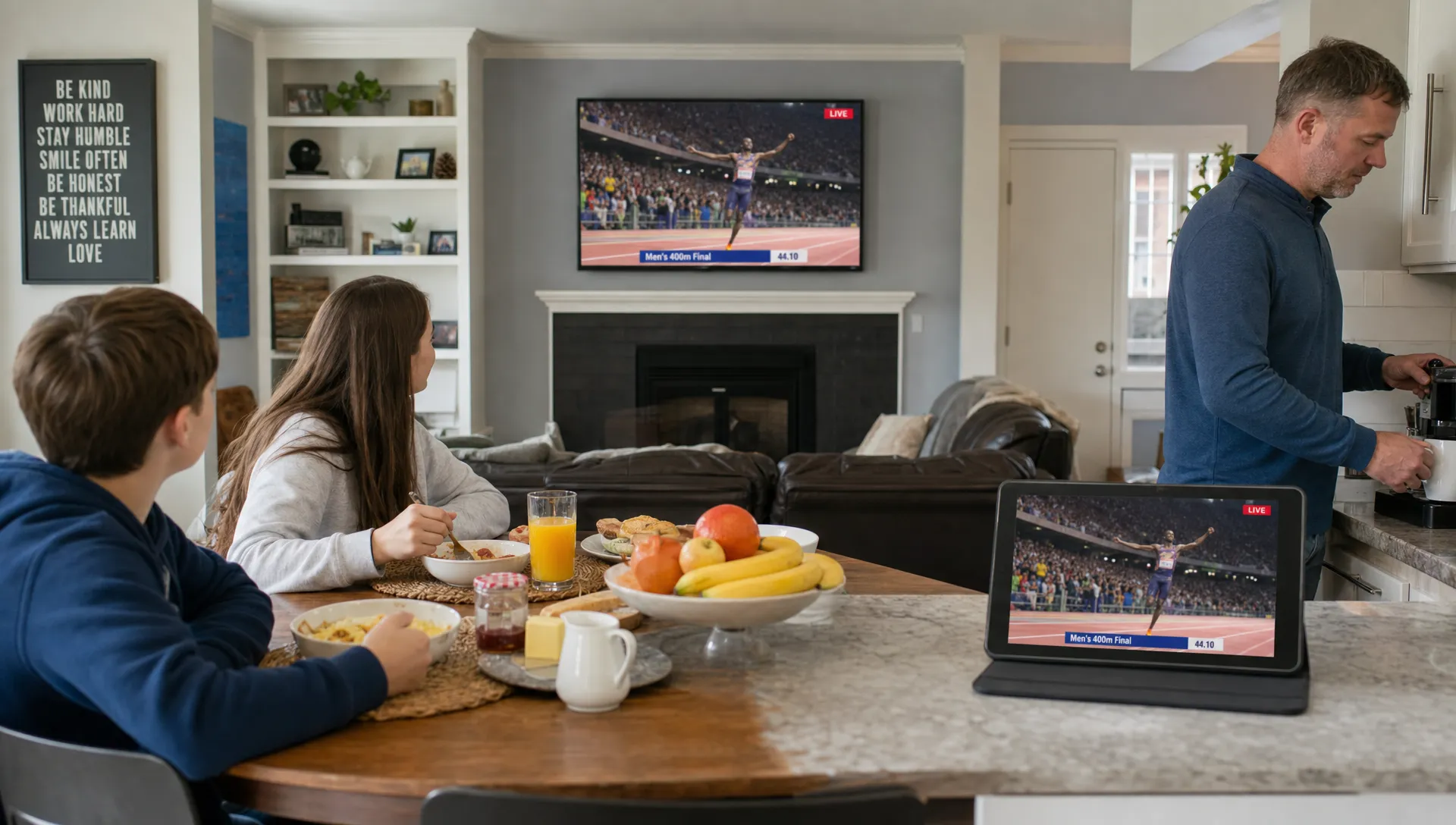
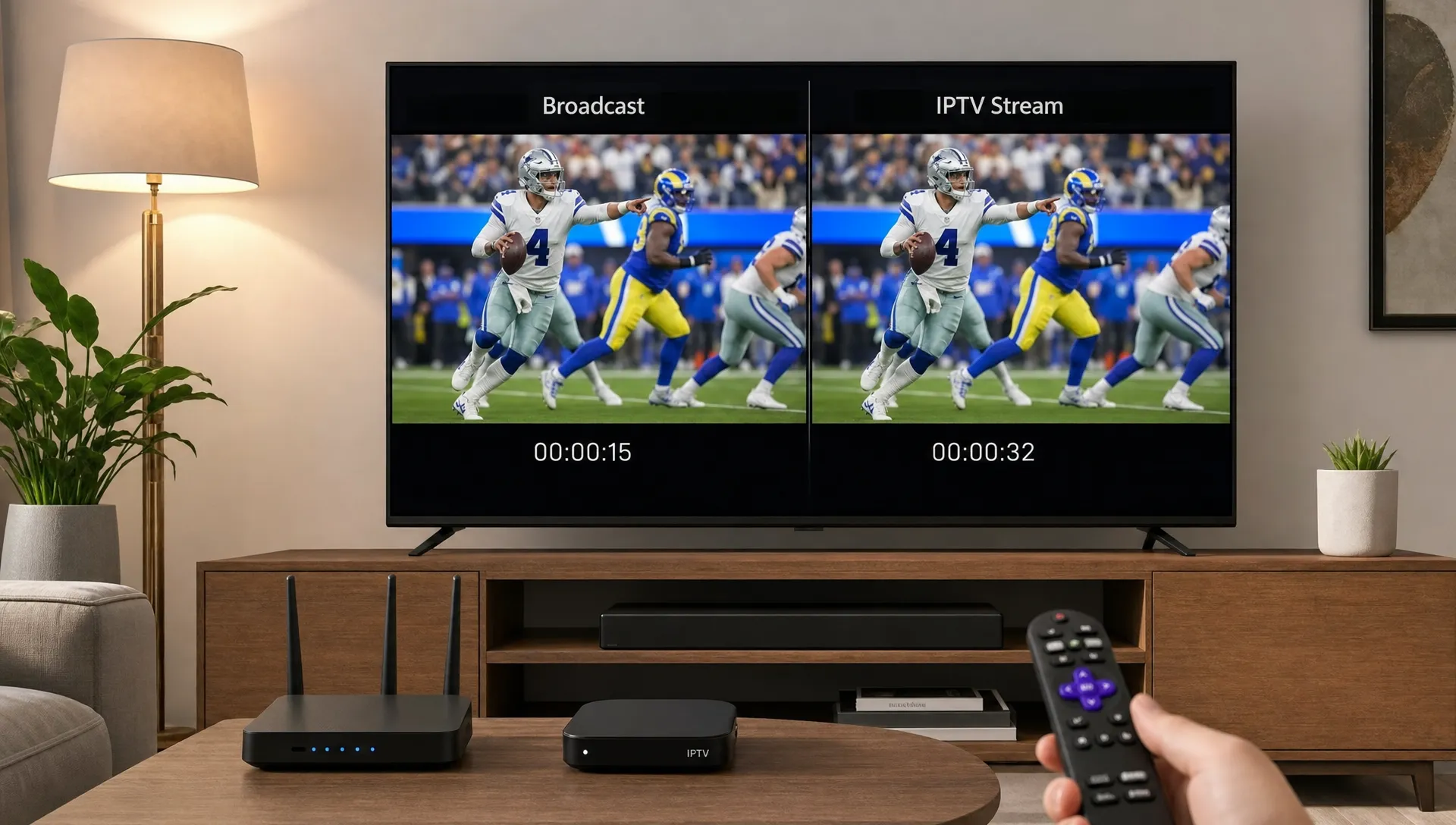
When viewers compare a cable or antenna feed with an IPTV live stream, the online version often appears a few seconds, or sometimes much longer, behind. That delay is not always a sign of a bad provider. Live streaming over the internet follows a different technical path than broadcast TV, and every step in that path can add time before the picture reaches your screen.
For sports, breaking news, awards shows and live events, the delay becomes obvious when a phone alert arrives before the goal, touchdown or announcement appears on your TV. For everyday viewing, it may not matter at all. The key is knowing what creates the lag, what is normal and what you can improve at home.
Why an IPTV live stream can trail broadcast TV
Broadcast TV is built for one-way delivery. A station sends a signal through an antenna, cable headend or satellite system, then many viewers receive it at almost the same time. There is still processing involved, especially for digital TV, but the delivery chain is relatively direct.
Internet TV is different. The video must be encoded, packaged, sent through servers, routed across the public internet, buffered by your app and decoded by your device. Each stage exists for a reason: stability, compatibility, security, picture quality or scale. The tradeoff is latency.
That is why two people watching the same match can react at different moments. One might be watching over an antenna, another through cable and another through an app on a Smart TV. The internet viewer often gets the most flexible experience, including device choice and on-demand features, but the signal usually takes a longer route.
The basic difference between broadcast delay and streaming delay
Traditional broadcast systems are optimized to deliver one continuous signal. Once the TV tuner locks onto that signal, playback is mostly continuous unless the signal drops or the provider inserts a delay for production reasons.
An IPTV live stream works more like a carefully managed data delivery process. The live video is converted into digital files or segments. Your player downloads those segments ahead of playback so it can absorb short network dips without freezing. This is the same reason a stable stream can keep playing even when your Wi-Fi fluctuates for a moment.
The delay is not one single thing. It is the sum of small delays across the full path from camera to screen. Some are outside your home, such as encoding and server routing. Others are local, such as Wi-Fi interference, an overloaded router or a slow streaming device.
If you are still learning the basics of how internet television differs from cable, the full explanation of what IPTV is and how it works is a useful foundation before troubleshooting timing issues.
Where the delay is added
Most lag comes from a few predictable parts of the streaming chain. Understanding these parts helps you avoid blaming the wrong thing.
| Stage | What happens | How it can add delay |
|---|---|---|
| Capture and production | The live feed is mixed, edited and prepared | Graphics, replays and production workflows can add seconds |
| Encoding | The video is compressed for internet delivery | Higher quality settings may need more processing time |
| Packaging | The stream is divided into playable chunks | Longer chunks increase stability but add latency |
| Server delivery | Data is sent through origin servers and delivery networks | Distance, routing and congestion can slow delivery |
| App buffering | The player stores video before showing it | Larger buffers reduce freezing but push playback behind |
| Device decoding | Your TV, box or phone renders the video | Older hardware may take longer to process high-bitrate streams |
For 4K viewing, an IPTV live stream may use more aggressive buffering than a lower-resolution channel because the files are larger and the player needs a safety margin. That safety margin is exactly what helps prevent constant stuttering.
Encoding and packaging are major causes
Before live video reaches your device, it must be compressed into a format that your IPTV app or player can understand. This process is called encoding. Compression makes internet delivery practical, but it also takes time.
After encoding, the stream is often packaged for adaptive playback. Common streaming technologies use small chunks of video so the player can switch quality levels when your connection changes. If the internet speed drops, the player can move from a higher bitrate to a lower bitrate instead of stopping completely.
This chunk-based design is one of the biggest reasons online live TV can lag behind broadcast. If the player waits for a few chunks before playback, it has a cushion. That cushion protects the viewing experience, but it also means you are watching slightly later than real time.
Low-latency streaming modes can reduce this wait, but they require tighter coordination between servers, apps and devices. If any part of the chain is unstable, ultra-low delay can create more buffering. Many providers choose a middle ground because most viewers prefer a stream that is a little behind over one that freezes during important moments.
Server routing, distance and load matter
Once the video is prepared, it must travel from streaming servers to your home. The route is not always as simple as a straight line. Data may pass through multiple networks, peering points and internet service provider systems before it reaches your router.
A provider with strong infrastructure can reduce delay by using fast servers, load balancing and delivery routes closer to the viewer. A weak server setup can cause buffering, channel opening delays or unstable quality even when your home internet is fast.
An IPTV live stream is especially sensitive during major events. When many people open the same channel at once, server load and network congestion can rise quickly. Well-managed platforms plan for this with capacity, redundancy and routing control. Poorly managed services may struggle, which shows up as lag, freezing or sudden quality drops.
For a deeper look at the provider side of performance, read this guide on how IPTV servers affect stream quality and uptime. It explains why server location, bandwidth and reliability can matter as much as your home internet speed.
Your home network can add seconds too
Even if the provider side is working well, the final stretch inside your home can create its own delay. Wi-Fi is convenient, but it is affected by walls, distance, neighboring networks, microwave ovens, older routers and too many devices using bandwidth at once.
A wired Ethernet connection usually gives live TV the most consistent path from router to device. The benefit is not just speed. Stability matters more than peak speed because live playback needs a steady flow of data. A connection that tests fast for downloads can still create streaming problems if it has packet loss or sudden dips.
If your IPTV live stream often falls behind and then jumps, freezes or drops quality, the issue may be local buffering rather than the live source itself. Restarting the router can help temporarily, but a better fix is to reduce congestion, move the router, use Ethernet where possible or upgrade outdated networking gear.
Homes increasingly depend on stable connectivity for more than entertainment, from work calls to remote health and support services. For example, families comparing connected care options may look at remote home care providers such as Omegayksi for home assistance and support, which is another reminder that a reliable home network can support daily life as well as streaming.
For 4K viewers, the connection type is especially important. The guide to IPTV cable vs Ethernet for 4K streams explains why a wired setup is often the most reliable choice when picture quality and timing both matter.
Device and app performance can affect live timing
A modern Smart TV, Fire TV device, Android TV box, Apple TV or smartphone can all play IPTV, but they do not perform identically. Older devices may struggle with high-resolution streams, newer codecs or heavy apps running in the background.
The app also matters. Some players use larger default buffers to avoid freezing. Others favor faster channel startup and lower latency. Neither approach is automatically better. For sports, you may prefer a lower-latency setting if the stream remains stable. For movies or general channels, a longer buffer may give a smoother experience.
An IPTV live stream can also fall further behind when the device is low on storage, overheated or running multiple background processes. Simple maintenance often helps: close unused apps, clear app cache when appropriate, restart the device before major events and keep firmware updated.
If your stream is delayed but smooth, your device is probably doing what it was designed to do. If it is delayed and unstable, device performance should be part of your troubleshooting checklist.
How much delay is normal?
There is no single universal number because the delay depends on the source feed, provider workflow, device, app, network and stream format. Still, it is common for online live TV to be behind antenna or cable by several seconds. In some cases, the difference can be measured in tens of seconds.
A small delay is usually normal if playback is clean. It becomes a problem when the delay keeps growing, channels take too long to open or the stream repeatedly freezes. Growing delay often means the player is buffering because it cannot maintain a steady flow of data.
You can think of timing issues in three broad categories:
- Normal latency: The stream is behind broadcast TV, but playback is smooth and the delay stays consistent.
- Buffer-related lag: The stream pauses, then resumes further behind because the player had to rebuild its buffer.
- Provider or routing issues: Multiple channels lag, fail to load or freeze even on a strong wired connection.
The first category is expected for many internet streams. The second and third deserve troubleshooting.
How to reduce lag without making buffering worse
The goal is not always to remove every second of delay. The better goal is to reduce unnecessary lag while keeping the picture stable. Start with the changes that improve consistency rather than chasing raw speed alone.
Use Ethernet for your main TV if possible. If you must use Wi-Fi, connect to the 5 GHz or 6 GHz band when your device supports it and your router is close enough. Keep the streaming device away from crowded power strips, enclosed cabinets and heat buildup.
Check whether your IPTV app has buffer settings. A smaller buffer may reduce delay, but if you set it too low, the stream may stutter. Test changes during a less important channel before using them for a live sports event.
Restarting your router and streaming device before a major live event can clear memory issues and refresh network connections. If your household has many connected devices, pause large downloads, cloud backups and game updates during the event.
Finally, choose a provider that invests in server capacity, uptime and support. BuyIPTVfor4K focuses on 4K streaming, broad device compatibility, anti-freezing technology and setup help for USA and UK viewers, which can reduce the common friction points that make live TV feel unstable.
Frequently Asked Questions
Why is IPTV behind cable TV? IPTV is usually behind cable because the video must be encoded, packaged, delivered through internet servers, buffered by the app and decoded by your device. Cable and antenna signals often follow a shorter delivery path.
Can an IPTV live stream ever match broadcast timing? It can get closer with low-latency streaming technology, strong servers and a stable home network, but matching broadcast timing exactly is not always realistic. A small delay is normal for many internet-based live channels.
Does faster internet reduce IPTV delay? Faster internet can help if your current connection is unstable or too slow for the stream quality. Once you have enough bandwidth, stability, routing, device performance and buffer settings usually matter more than extra speed.
Is buffering the same as live stream lag? Not exactly. Lag means the stream plays behind real time or behind broadcast TV. Buffering means playback pauses while the app waits for more data. Buffering can increase lag because the player may resume further behind.
Should I lower video quality to reduce delay? Lowering quality can help if your device or connection struggles with 4K or high-bitrate streams. If your connection is already stable, lowering quality may not noticeably reduce normal live latency.
A smoother live TV experience starts with the right setup
An IPTV live stream can lag behind broadcast TV because internet delivery is designed to balance quality, compatibility and stability. Some delay is expected, but constant freezing, growing lag or poor channel startup usually points to a fixable issue.
For the best results, combine a reliable IPTV provider with a strong home network, an updated device and sensible app settings. If you want 4K channels, sports, movies and live TV with setup support, BuyIPTVfor4K offers flexible IPTV subscriptions built for viewers who want smooth streaming across their favorite devices.