

Most live soccer on IPTV sits in pay sports packages, international soccer feeds, and national broadcasters’ sports channels. The fastest route is to load a verified .m3u playlist into a compatible IPTV app, or pick a supported subscription like our annual plan. Keep in mind that IPTV is legal only when providers hold the right licenses.
TL;DR:
- Search the guide by league or team, verify kickoff times against an official club schedule and your time zone, then preview the stream early.
- Playlist setup usually takes 10–20 minutes; add the provider’s EPG, test audio and video, and favorite soccer channels before match day.
- Use Ethernet where possible, pause downloads, and drop from 4K to HD when bandwidth is tight; check a backup feed if the stream fails.
- A one month plan costs $14, while three months cost $32 and a year costs $69; start short if your device or connection is untested.
- Check whether channel listings stay updated and support can resolve failures promptly, especially if you follow a team throughout its season.
Table of Contents
- 1. Which channels commonly show live soccer on IPTV
- 2. How IPTV delivers channels: playlists, EPG, and devices
- 3. How do you find and confirm live soccer in a channel list?
- 4. How do you add a channel playlist or IPTV app?
- 5. How long does setup take and what does it cost?
- 6. How do popular IPTV providers compare for soccer?
- 7. How do you troubleshoot buffering, freezing, and outages during a match?
- 8. How do you optimize your connection for smooth soccer streams?
- 9. What do the 1, 3, 6, and 12 month plans offer?
- 10. Why a supported catalog matters when you watch soccer
- 11. Why our 1 Year+Free 3 Months plan suits soccer viewers
- FAQ
- Sources
1. Which channels commonly show live soccer on IPTV
Think in groups rather than individual channel names, because lineups change by provider and region. Once you know the groups, you can spot live soccer at a glance in any list.
- Domestic league packages: feeds built around the English Premier League, LaLiga, Serie A, and the Bundesliga. These usually air live matches, highlight shows, and studio analysis.
- Continental competitions: channels that carry UEFA club tournaments and CONMEBOL fixtures, often with match-day pre-shows.
- National public broadcasters and regional feeds: the home country’s free-to-air sports channels, which frequently show national team games and the biggest domestic fixtures.
- Dedicated soccer channels: networks focused on the sport, mixing live games with replays and talk programming.
- International sports networks: broad sports channels that rotate soccer with other leagues, so you need the schedule to catch a specific game.
Free linear options matter too. The CBS Sports Golazo Network offers year-round soccer coverage, and CBS Sports notes it streams through Paramount+, Pluto TV, and the CBS Sports app. That shows how some free ad-supported channels carry soccer, and we mention it as a category example, not an endorsement.
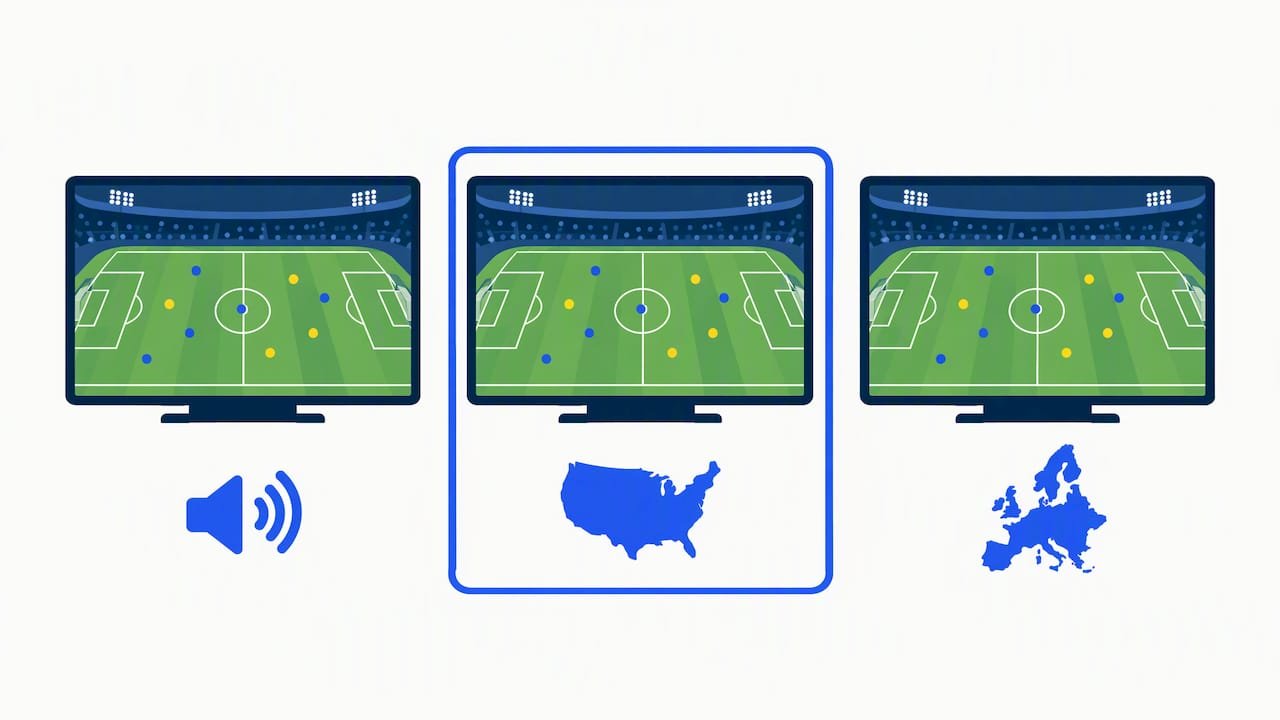
One more habit pays off: read the EPG entries for language and region variants. A Spanish-language or UK-region version of the same sports channel can carry a match your default feed skips. You can verify what we carry on our channels list.
2. How IPTV delivers channels: playlists, EPG, and devices
An IPTV service sends live channels over the internet instead of through a cable box. The pieces that make it work are simple once you see them side by side.
A .m3u playlist is a text file that maps channel names to stream addresses. Your IPTV app reads it and builds a channel list you can browse. An EPG (electronic program guide) is a separate data feed that fills in what is airing and when, which is how you find a live match without scrolling through hundreds of channels. If you want the deeper background, our guide on what IPTV is and how it works covers it.
Before you start, run through this device checklist:
- Confirm your device runs a compatible IPTV app (Android TV, Fire TV, smart TV platforms, MAG boxes, or Kodi).
- Check that your internet connection is stable and wired where possible.
- Have your playlist link or login details from your provider ready.
- Install the app, load the playlist or credentials, and wait for channels and the EPG to populate.
- Test one sports channel for a few minutes before you rely on it.
Plan on roughly 10–20 minutes to load and test a playlist on most devices.
Pro Tip: Prefer streams hosted near your region, and check picture quality on a live channel well before kickoff so you are not troubleshooting at the first whistle.
3. How do you find and confirm live soccer in a channel list?
Trial and error on match day wastes the first half. A short routine fixes that.
- Open the EPG or the playlist and filter by the sports or soccer category.
- Search by league or team name rather than channel name.
- Check the kickoff date and time against your own time zone.
- Preview the stream a few minutes early to confirm it plays cleanly.
- Keep a backup channel or alternate feed ready in case the first one drops.
Cross-check the guide against an official source, because EPG data can lag or mislabel time zones. Club schedules are useful for this: San Antonio FC’s 2026 broadcast schedule names the official networks for each match, which is exactly the kind of reference you want when you confirm what should be on.
To cut buffering, choose lower-latency servers, step down from 4K to HD if your bandwidth is tight, and avoid heavy downloads during the match.
A quick legal and security note: enforcement has focused on operators offering unauthorized streams, and shady playlists can expose your devices and logins to security problems. A verified, supported subscription keeps both concerns in check.
4. How do you add a channel playlist or IPTV app?
The steps are nearly identical across devices.
- Install an IPTV player from your device’s app store. Pick one that supports .m3u links or Xtream-style logins.
- Open the app’s playlist or account screen. Look for “Add playlist,” “Add user,” or “Load URL.”
- Paste your playlist link or enter the server address, username, and password your provider sent you.
- Add the EPG link if your provider gave you one, so program listings appear next to channels.
- Let it load. Large lists may take longer to index.
- Favorite your soccer channels so they sit at the top of the list on match day.
- Test a live channel and confirm audio, video, and guide data all line up.
If you need extra help, our installation tips and streaming articles walk through common apps, and our support team guides new subscribers step by step.
5. How long does setup take and what does it cost?
Setup is quick. With your login details in hand, installing an app and loading a playlist usually takes 10–20 minutes, and most of that is waiting for the channel list to index. Allow a little extra the first time if you also want to build a favorites list and attach an EPG.
Costs depend on the length of the plan you choose. Our published prices are $14 for 1 month and $32 for 3 months, and $69 for a year. Our plan page has current pricing details, so check the plan page.
Longer terms lower the effective monthly cost, which matters if you follow a full season of league play. Beyond the subscription, the main extras are the device and a reliable internet connection, which you may already have. For a closer look at what to weigh before you pay, read our guide on choosing an IPTV provider.
6. How do popular IPTV providers compare for soccer?
Rather than rank rival services by name, judge any provider against the same four questions. These are the factors that decide whether a match stays on screen.
- Soccer coverage: does the lineup include the domestic league feeds, continental competitions, and regional variants you follow?
- Stream stability: do servers hold up during peak kickoff windows, or do streams freeze when many viewers tune in?
- Update cadence: are channels and guide data refreshed regularly so dead links get replaced?
- Support: can you reach a person quickly when a stream fails an hour before a derby?
Providers split into two broad types. Entry-level playlist sellers are cheap but often thin on support and quick to go stale. Fully supported services cost a bit more and tend to keep the channel list current, with real help when something breaks.
Our approach sits in the second group: fast servers built to reduce freezing, a large channel and on-demand library that we update at no added cost, and 24/7 support. You can see the lineup yourself on our channels list before you commit, and compare it with whatever else you are considering.
7. How do you troubleshoot buffering, freezing, and outages during a match?
Work from the simplest fix to the most involved, and do it before kickoff when you can.
Buffering. Lower the quality setting one step, for example from 4K to HD. Pause other devices that are streaming or downloading, and move closer to the router or switch to a wired connection.
Freezing. Close and reopen the app, then reload the channel. If it persists, clear the app cache or restart the device. A frozen picture with normal audio often points to a device that is overloaded.
Stream outage. Switch to the backup channel you saved, or try an alternate feed of the same competition, such as a regional variant. If the whole lineup is down, check whether your internet is working at all.
Wrong or missing guide data. Refresh the EPG and confirm the time zone in your app settings.
If none of that helps, contact support right away and tell them the channel name and the match. A fast server setup with anti-freezing design reduces how often you hit these problems, and our team is available around the clock when you do. Keeping a short list of backup channels is the single best habit for big games.
8. How do you optimize your connection for smooth soccer streams?
Your network is the most common cause of a bad match experience, and a few settings make a visible difference.
- Use Ethernet when you can. A wired link beats Wi-Fi for steady live video, especially on a smart TV or streaming box.
- Pick the right Wi-Fi band. A higher-frequency Wi-Fi band may be faster and less crowded, though it can have shorter range.
- Reduce competition. Pause large downloads, cloud backups, and extra streams while the match is on.
- Restart your router before big fixtures to clear a congested session.
- Match quality to bandwidth. 4K needs far more throughput than HD, so drop a tier if your speed is borderline.
- Set a reliable DNS such as a well-known public resolver if channels are slow to start.
- Keep devices updated, since outdated firmware can cause stuttering.
Test your setup a few minutes before kickoff on the exact channel you plan to watch. If the stream holds steady without stalling during your test, you may be better prepared for the match. Streaming into the evening, when neighbors are also online, can strain a shared connection, so a wired link is worth the extra cable.
9. What do the 1, 3, 6, and 12 month plans offer?
Every plan gives you the same core service: live channels including sports, a large on-demand library, 4K, HD, and FHD quality, support for major devices, and step-by-step installation help. The difference is how long you commit and what that does to your cost.
- 1 month ($14 per month): the low-commitment way to try the service and test it on a few matches.
- 3 months ($32 per quarter): enough time to cover a stretch of a league season at a lower monthly rate than the single month.
- 6 months: a mid-length option for following a half season. Check the plan page for pricing.
- 12 months ($69 per year): the best fit for fans who follow soccer all year.
If you are unsure, start with the one-month plan, confirm that your device and connection handle live matches well, and then move to a longer term. You can compare everything on our main plans page, or look at the 1 month plan directly.
10. Why a supported catalog matters when you watch soccer
Here is where I come down: for live sports, support matters more than the headline channel count. A free or DIY playlist can look impressive on a Tuesday and fall apart on Saturday, because dead links pile up and nobody is responsible for fixing them. Soccer punishes that more than most content, since a missed first half cannot be replayed live.
A maintained catalog changes the odds. Regular updates replace broken streams, and a human on the other end can fix a stubborn channel before the second half. That is why we run a large channel and on-demand library, 4K and HD streams, step-by-step installation help, and 24/7 support, and why we think they belong together.
If you only watch the occasional game, a DIY setup may be enough. If you follow a team across a whole season, the time you save is worth more than the money.
— AHMED
11. Why our 1 Year+Free 3 Months plan suits soccer viewers
If you want a supported soccer lineup without juggling playlists, our annual plan gives you a full year at $69. It is built for people who watch matches week after week and want the same setup to keep working.
Here is how each benefit helps on match day:
- Fast servers: designed for quicker channel starts when viewers tune in at kickoff.
- Anti-freeze focus: fewer stalls during the moments that matter most.
- Device compatibility: use your account across supported devices.
- Ongoing channel and on-demand updates: broken streams get replaced at no added cost.
- Step-by-step setup: even a first-time user can be watching in minutes.
- Customer support: a person to contact when a stream fails before a big game.
Before you buy, verify what you care about on our channels list. When you are ready, start with our annual plan and have your soccer channels set up before the next kickoff.
FAQ
Does IPTV get sports channels?
Yes, many IPTV services carry live sports, including soccer, football, and basketball. Eurojust notes IPTV is legal when providers hold the correct licenses, so choose a verified, supported service.
What is the best free app for watching soccer on TV?
Free options are limited and vary by region. The CBS Sports Golazo Network, available through Pluto TV and the CBS Sports app, is one example of free soccer coverage.
Is there any soccer on TV today?
Check the official schedule of the league or club you follow, then confirm the network in your EPG. Club broadcast schedules name the networks carrying each match.
What should I check before choosing a service for live soccer?
Look at league coverage, server stability at kickoff, update frequency, and how quickly support responds. Test a short plan first to confirm your device and connection handle live matches well.
Sources
- Illegal IPTV Services
- Footy Fix: Manchester Derby takes center stage and NWSL race for the Shield heats up – CBS Sports
- SAN ANTONIO FC ANNOUNCES 2026 BROADCAST SCHEDULE – San Antonio FC