
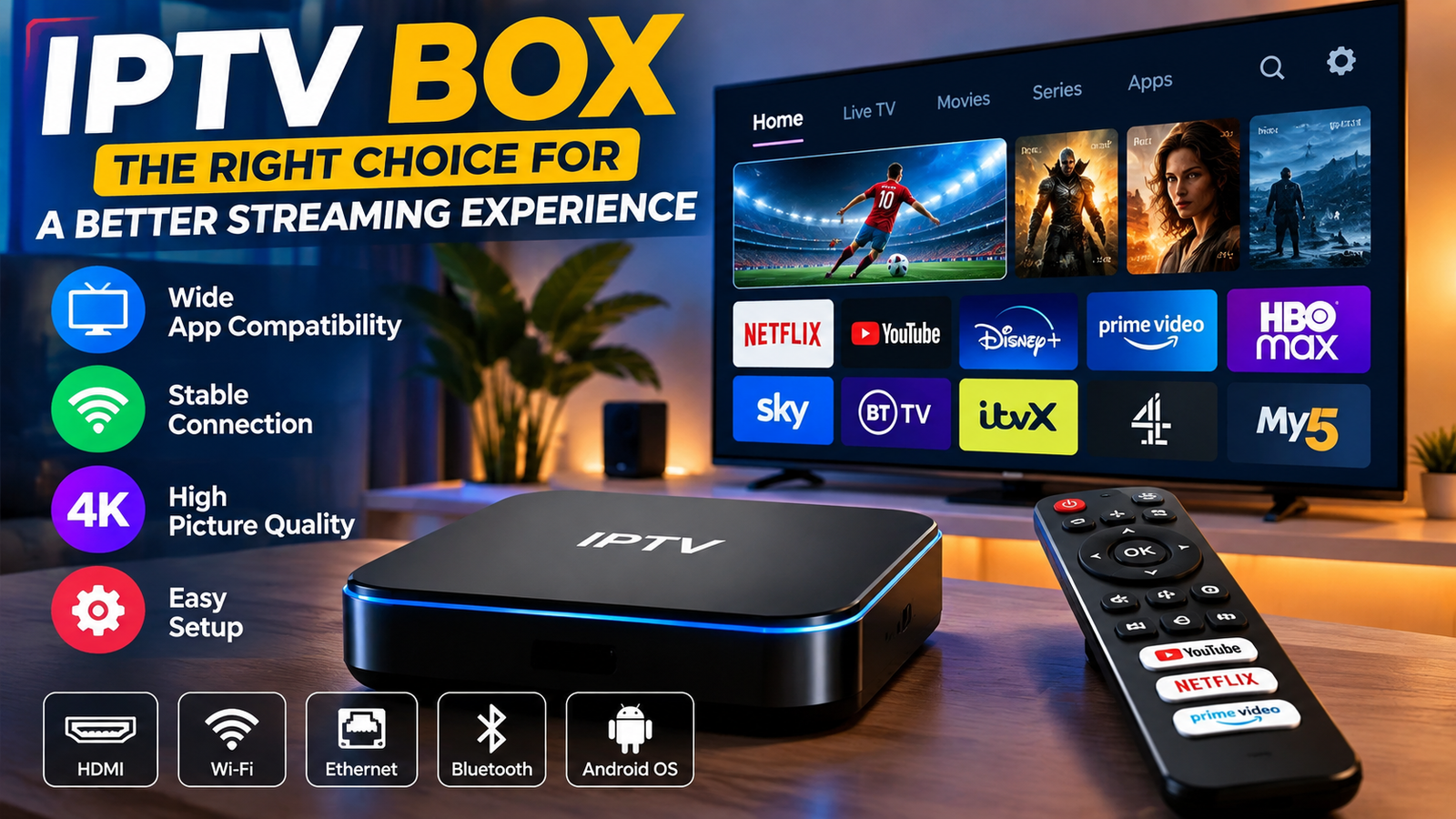
Choosing the right ip tv box is less about chasing the biggest spec sheet and more about matching the device to how you stream. A good IPTV box should run your legal IPTV player well, support stable Wi-Fi or Ethernet, handle 4K when needed, and stay easy to use every day. This guide looks at five strong boxes, explains what each one does best, and helps you avoid common setup mistakes.

What makes a good IPTV box?
A good IPTV box is a streaming device that can run trusted apps, keep video smooth, and work with your TV, remote, network, and subscription. For most homes, a certified box from a known brand is a better pick than an unknown unit loaded with risky apps.
Start with the system. Android TV and Google TV usually give the widest app choice. That matters if you want TiviMate, VLC, IPTV Smarters-style players, or another app from your own iptv player list. Apple TV is fast and tidy, but its app set is different. Fire TV is flexible, which helps if you already use Alexa. Dedicated IPTV hardware can feel more like a classic cable box.
Then think about the link. Ethernet is best if your router is near the TV, because live channels are less forgiving than on-demand apps when Wi-Fi drops. If you use Wi-Fi, look for modern wireless support and place the box where it gets a clean signal. Storage also matters, especially if you install many media apps, VPN tools, catch-up tools, or large updates.
Last, keep the player and the content separate. An IPTV player is only software. A pack iptv, playlist, provider login, or channel plan is the content source. Use services that have the right to share their channels, and be careful with worldwide iptv offers that promise every premium channel for a tiny fee.
The top 5 IPTV boxes for streaming
1. NVIDIA Shield TV Pro: best premium Android TV box
The NVIDIA Shield TV Pro is still a top pick for people who want a strong Android TV streamer with wide app support. It handles 4K HDR, Dolby Vision, and Dolby Atmos in many apps, and NVIDIA also offers AI upscaling for lower-resolution video on 4K screens. It is also known for solid results with media-server apps, local files, and home theater setups. NVIDIA source
For IPTV users, the big win is headroom. If your playlist is large, your guide data is heavy, or you jump between live channels, VOD, sports apps, and a media library, a faster box feels less annoying. The Shield TV Pro also works well if you want one device for IPTV, Plex-style local media, cloud gaming, and common apps.
It is not the cheap choice, and casual users may not need all that power. But if you want a living-room box that feels more like a full media hub than a basic stick, it is a strong pick. It is also a good fit if you are comparing the best iptv app for google tv or Android TV and want to run more than one player.
Best for: power users, 4K home theater setups, large playlists, media servers, and people who want Android app flexibility.
2. Google TV Streamer 4K: best all-around Google TV choice
Google TV Streamer 4K is a clean, modern choice for people who want official Google TV, a familiar layout, and broad app access. Google lists 32 GB of storage, an Ethernet port, 4K support, Dolby Vision, Dolby Atmos, Matter support, and a built-in Thread border router, so it works as both a streamer and a smart-home hub. Google source
That mix is practical for IPTV because it solves two common problems: low storage and weak Wi-Fi. Many small streaming devices feel cramped once you add several media apps, but 32 GB gives you more room. Built-in Ethernet is also a plus for live streaming, especially in homes with crowded wireless networks.
This box is a natural fit for people who use Google services, YouTube, Android apps, and voice search. It also suits Sony Bravia smart IPTV users who want the Google TV feel but prefer a separate box that may be quicker to upgrade than the TV’s built-in software. If you are choosing your first ip tv box and want a balanced pick, this is one of the easiest choices.
Best for: most Google TV users, families, legal IPTV apps, smart-home users, and anyone who wants Ethernet without extra adapters.
3. Apple TV 4K: best polished streaming experience
Apple TV 4K is not always the first box IPTV shoppers think of, but it deserves a place for speed, stability, and a clean design. Apple’s specs list the A15 Bionic chip and support for Dolby Vision, HDR10+, HDR10, and HLG up to 2160p at 60 fps, which makes it a strong mainstream streamer for high-quality TVs. Apple source
The main strength is consistency. Apps feel smooth, the menu is neat, and Apple TV 4K fits well in homes that already use iPhones, AirPods, Apple services, or HomeKit. If your IPTV provider offers a legal app on tvOS, or if you use a player from the App Store, the result can be excellent.
The trade-off is flexibility. Apple TV is not the right pick if you want to sideload Android APKs, test many niche players, or follow random setup guides made for Android boxes. If your preferred IPTV player is Android-only, choose a Google TV, Android TV, Fire TV, or Formuler box instead.
Best for: Apple homes, users who value polish, premium streaming apps, and people who do not need Android-style sideloading.
4. Amazon Fire TV Cube: best for Alexa and hands-free control
The Fire TV Cube is a strong choice for people who want a fast streamer with Alexa built in. Amazon describes it as a hands-free streaming device with Alexa, Wi-Fi 6E, 4K Ultra HD, and an HDMI input for compatible devices such as a cable box, game console, or webcam. Amazon source
For IPTV, the Cube stands out for convenience. You can use it for major apps, voice commands, smart-home control, and supported IPTV players. If your home already uses Echo speakers or Alexa routines, the Cube fits in well.
The Fire TV menu can feel more sales-focused than Google TV or Apple TV, and app access can change by region. Some users also rely on Downloader-style installs when an app is not in the Amazon Appstore. If you search for an iptv smarters downloader code, use only official sources, skip random files, and remember that installing an app does not make an unlicensed playlist legal.
Best for: Alexa users, Fire TV homes, voice control, and people who want a capable 4K streamer with broad app support.
5. Formuler Z11 Pro Max: best dedicated IPTV-style box
The Formuler Z11 Pro Max is different from the general-purpose boxes above because it is built for IPTV-style viewing. Formuler lists 4 GB RAM, 32 GB storage, Wi-Fi 6, Gigabit Ethernet, Android 11, and the MYTVOnline3 experience. Formuler source
That matters if you want the feel of a classic set-top box: channel groups, guide navigation, favorites, and remote-friendly live TV controls. For viewers who spend more time in live channels than in Netflix-style apps, a dedicated layout can feel faster and less distracting. It may also appeal to homes that are moving away from cable and want something familiar.
The limit is that it is more focused. If your main goal is the widest mainstream app support, Apple TV, Google TV, Fire TV, or NVIDIA may be safer. But if your top goal is a box built around IPTV workflows, Formuler is worth a look.
Best for: live TV-first homes, users who want a cable-box feel, and people who care more about IPTV navigation than general app polish.
How do you choose the right IPTV player for each device?
Pick the player based on your device platform, your provider’s login format, and the features you actually use, such as EPG, catch-up, recording, favorites, subtitles, and multi-screen viewing. Do not choose a box just because one app is mentioned in a forum; check that the app is available, maintained, and works with your playlist or account.
Here is a practical iptv player list by use case:
- For Android TV and Google TV: TiviMate is popular for live TV playlists, while VLC is useful for simple network streams and local media. TiviMate is listed on Google Play as an IPTV playlist player. Google Play source
- For Android phones: The best iptv player for android phones is usually the one your legal provider supports. VLC for Android is a reliable freeware option for network streams and many file types. VideoLAN says VLC for Android can play video, audio, network streams, and disc images. VLC Android source
- For Windows PCs: VLC is often the best iptv player on pc if you only need a simple M3U stream player. VideoLAN says VLC is free, open source, cross-platform, and supports many streaming protocols. It runs on Windows up to Windows 11. VLC Windows source
- For dedicated IPTV boxes: Built-in apps such as MYTVOnline3 on Formuler may be better than extra players because the remote and menu are built for live TV.
- For Apple TV: Use a trusted tvOS player from the App Store and confirm support for your provider’s login format before you pay.
If you are searching for the best iptv windows player, start with VLC before you buy anything. If you need guide tools, multiple playlists, recording, or a more polished TV-style layout, compare paid apps with care. IPTV freeware can be great for basic use, but paid apps may give better guide handling, backup, profiles, and remote-friendly controls. Some Android users also compare IPTV Player Pro and similar paid apps.
Device-by-device notes before you buy
The best box depends on what you already own. Many people do not need a new device at all; they just need the right app on the TV, console, phone, or computer they already use.
- IPTV LG: LG smart TVs use LG’s app system, and LG tells users to check the app store for what is available in their region. App choice can be more limited than Android TV, so an outside Google TV or Fire TV box is often easier for IPTV. LG source
- Sony Bravia smart IPTV: Many Sony Bravia models use Android TV or Google TV, and Sony says Android TV users can open the Google Play Store from the Apps menu. Not every Bravia supports every app, but the platform is still more open than many non-Android TVs. Sony source
- IPTV Xbox: Xbox consoles can run entertainment apps from the Microsoft Store, and users can browse and install apps through the Entertainment section. It can work for some media apps, but it is usually not as flexible as an Android-based IPTV box. Xbox source
- IPTV on PC: A Windows laptop connected by HDMI is a simple way to test a provider or playlist before you buy a box.
- India IPTV app searches: If you are looking for regional channels, focus on legal apps with clear rights, clear billing, and support in your country.
You may also see provider names or phrases like Maximum TV IPTV, worldwide iptv, or pack iptv in search results. Treat them as research leads, not proof they are real. Check whether the service explains licensing, support, refund terms, device limits, and privacy rules.
Legal, privacy, and adult-content cautions
IPTV itself is not illegal. Many legal services deliver live TV over internet protocol, including cable-company apps, network apps, FAST channels, and paid streaming bundles. The risk comes from unlicensed providers that sell access to channels they do not have the right to share.
Be especially careful with searches such as iptv xxx, iptv with adult content, all channels unlocked, or very cheap premium bundles. Adult content also adds extra risk around household controls, billing privacy, malware, age checks, and unwanted app permissions. If adult channels are part of a legal subscription, use parental controls, separate profiles when possible, and check how the charge appears on your statement.
Also protect your login details. An iptv smarters login, Xtream Codes login, M3U URL, or portal URL can expose your subscription if you share it. Do not paste your details into random sites that promise to test your playlist, and do not buy devices preloaded with unknown accounts.
Before you install any app, run this quick checklist:
- Confirm the source. Use the official app store or developer site, not a random mirror.
- Check the permissions. A video player should not need extra access that has nothing to do with playback.
- Verify the billing model. Searches like iptv smarter price can lead to clones or reseller pages, so confirm what you are paying for and who gets the payment.
- Understand the login type. M3U, Xtream Codes, Stalker portal, and app-specific logins are not the same.
- Test before you commit. Use a short legal trial if it is available, then check guide loading, audio sync, subtitles, catch-up, and buffering at busy times.
A simple buying framework
If you want the safest all-around pick, choose Google TV Streamer 4K. It gives most users the right mix of app access, storage, Ethernet, and ease of use. If you want maximum power, choose NVIDIA Shield TV Pro. If you live in Apple’s ecosystem and use supported apps, Apple TV 4K is the cleanest experience.
Choose Fire TV Cube if Alexa is central to your home and you like the Fire TV menu. Choose Formuler Z11 Pro Max if live IPTV-style navigation is your main goal and you want a dedicated set-top feel. For many people, Roku Ultra is better for mainstream streaming than IPTV flexibility, because Roku uses a more store-based app model and less Android-style app control.
A final rule helps: buy the box for the apps you can verify today, not for vague promises in a reseller listing. The right IPTV setup should feel boring in the best way: quick to open, easy to use, stable during live events, and clear about where your content comes from.
Final takeaway
The best IPTV box is the one that makes your legal streaming setup reliable, simple, and comfortable for daily use. NVIDIA Shield TV Pro is the premium power choice, Google TV Streamer 4K is the best all-around option, Apple TV 4K is the polished ecosystem pick, Fire TV Cube is ideal for Alexa homes, and Formuler Z11 Pro Max is the strongest dedicated IPTV-style box.
Before you buy, confirm the player you plan to use, the login format your provider supports, and whether your content source is legitimate. Do that first, and your streaming box becomes a long-term upgrade instead of another gadget you need to fix every weekend.
Q&A
Question: What is the best IPTV box for most people?
Short answer: Google TV Streamer 4K is the safest all-around pick for most users because it combines broad Google TV app access, 32 GB of storage, built-in Ethernet, 4K support, and an easy menu. It is especially useful for legal IPTV apps because it avoids two common problems: low storage and weak Wi-Fi.
Question: Is an IPTV player the same thing as an IPTV subscription?
Short answer: No. An IPTV player is only the software used to open and manage streams, playlists, guide data, or provider logins. The subscription, M3U URL, portal, pack iptv, or provider account is the content source. The guide says users should choose legal services with clear rights to share the channels they offer.
Question: Should I choose Ethernet or Wi-Fi for IPTV streaming?
Short answer: Ethernet is usually better when your router is close enough to the TV because live channels can buffer fast when Wi-Fi drops or gets crowded. Wi-Fi can still work well, but the box should support modern wireless standards and sit where it gets a strong, clean signal.
Question: Which device is best if I want a cable-box-style IPTV experience?
Short answer: Formuler Z11 Pro Max is the strongest choice in this guide for users who mainly watch live channels and want a traditional set-top feel. Its MYTVOnline3 experience is built around channel groups, guide navigation, favorites, and remote-friendly live TV controls, not just general streaming app polish.
Question: What should I check before buying an IPTV box or installing an IPTV app?
Short answer: Confirm that your player is available on the device, that it supports your provider’s login format, and that your content source is legitimate. You should also install apps only from official stores or developer sites, review permissions, test guide loading and buffering at busy times, and avoid devices or services that come preloaded with unknown accounts.